Part of The Complete DBM Pack – all DBM mods, subscribe with one click
DBM Clusters HD – sharp dials and screens on every truck
If you like it, a thumbs up 👍 rating helps a lot – it lets more players find the mod. Thank you!
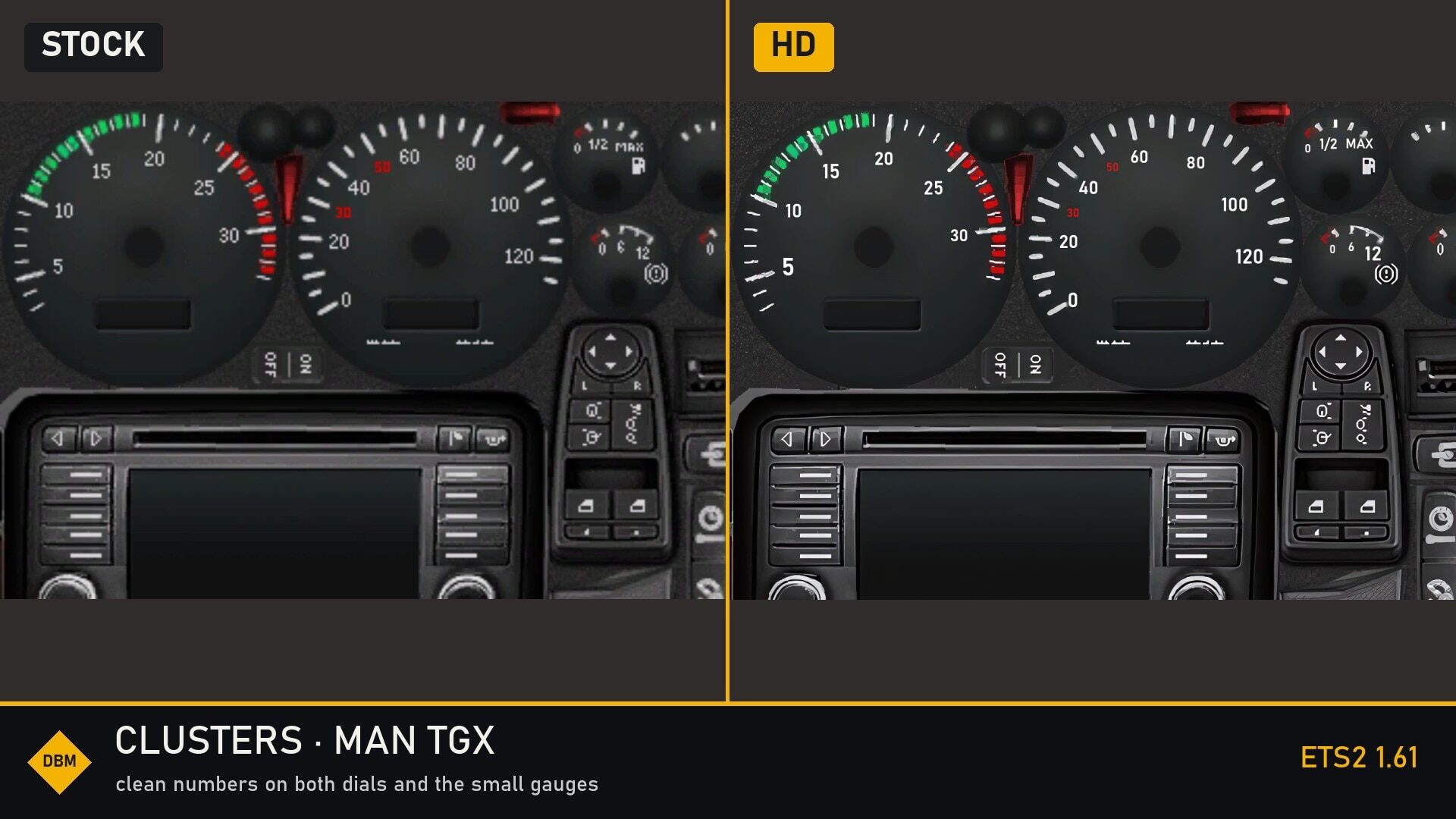
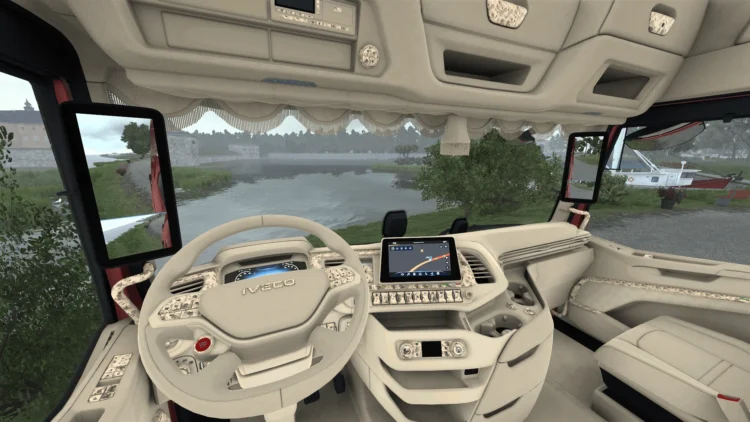
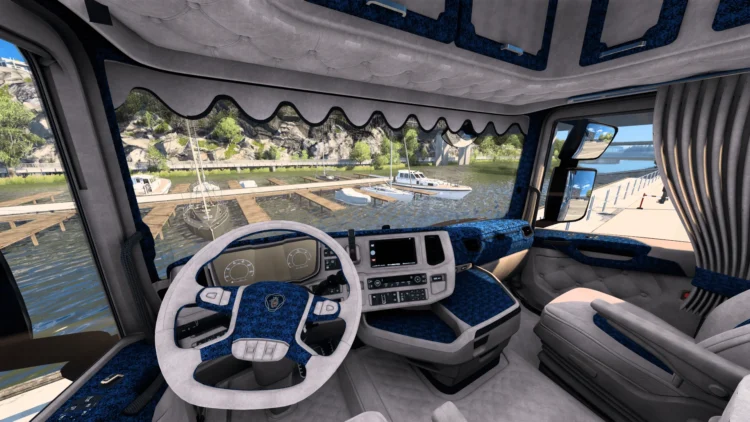
Every instrument cluster in the game is a tiny texture, stretched up to full screen. This mod rebuilds them sharper, and redraws the numbers and labels on the analogue dials as crisp text.
What changes
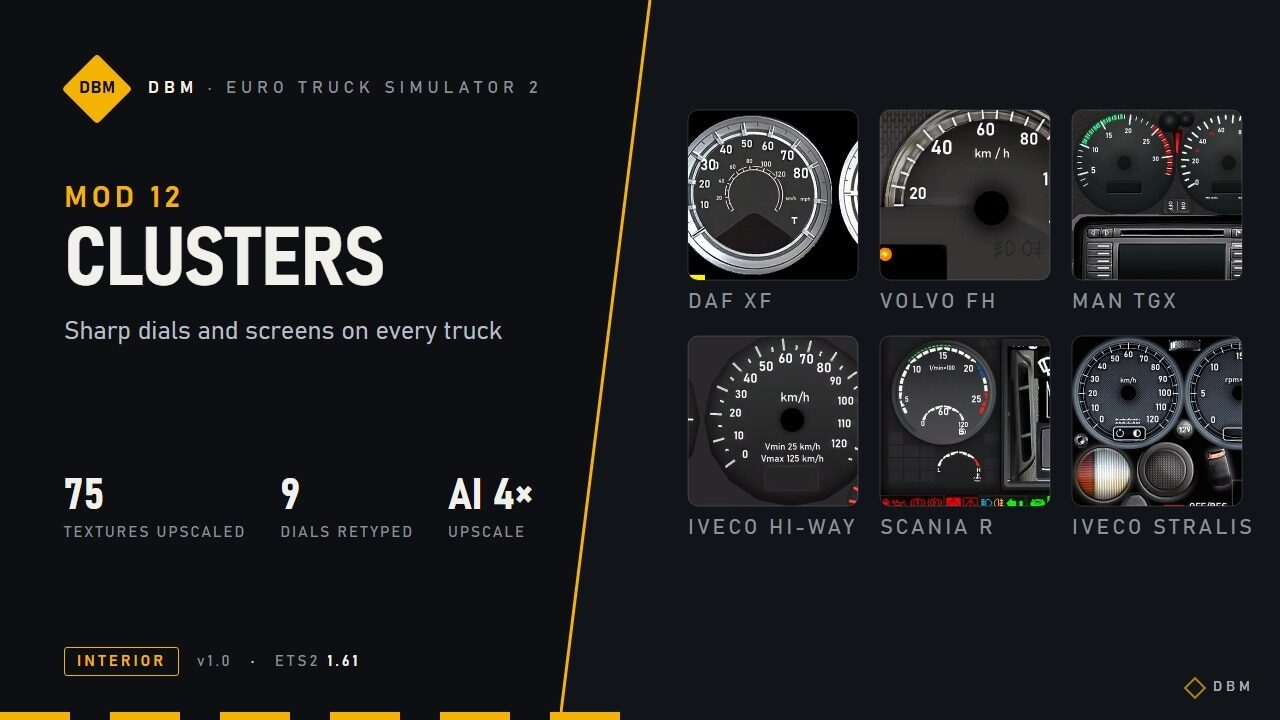
AI-upscaled clusters. 75 dial, screen and icon textures across all trucks, base game and DLC, upscaled 2-4x with a Real-ESRGAN model: warning lights, menu icons, dial faces and bezels come out with clean edges.Numbers and labels redrawn as vector text. On 9 analogue clusters every scale number and label (“rpm x 100”, “km/h”, “Vmin 25 km/h”, “AdBlue”, “1/2”, “MAX”…) is typeset again in a clean DIN-style font instead of being blown up from a few pixels. They also light up at night exactly like the originals.Small screens in the middle of the dials fixed. The pixel-precise crops the game uses for the centre display were adjusted to the new resolution, so nothing shifts or looks cut off.Gauges left untouched on purpose. Bars, needles and gradient masks that the game reads as data (rev and speed bars, cruise indicators) stay exactly as in the base game, so they keep behaving correctly.
Trucks covered
Vector text + upscale: Volvo FH (2009), DAF XF (old and Euro 6), MAN TGX, Scania R (2009), Iveco Hi-Way, Iveco Stralis, Renault T.Upscale of screens and icons: Scania R/S 2016, Scania S 2024E, Scania 2025, Mercedes Actros (2009, 2014), Renault T 2024, Renault E-Tech T, Renault Magnum, MAN TGX (Euro 6, 2020), Iveco S-Way, DAF XD / 2021, DAF XF Electric, Volvo FH (2012, 2021, 2024).
Text that the game draws live (fuel litres, clock, radio station, trip data) uses the game’s own fonts and is not changed by any texture mod.
Compatibility
Works with any lighting mod, with Lighting Nova, Truck Interiors and all other DBM mods.Replaces the cluster textures and the dashboard files of: Scania R/S 2016, Scania S 2024E, Mercedes Actros 2014, Iveco Hi-Way, DAF XF Euro 6 and Renault T. Other mods that change the same files will conflict; whichever is higher in the load order wins.Does not touch the navigation screen, so map and GPS mods keep working.Put it above map mods (ProMods, RusMap …). Order between DBM mods does not matter.Safe to add or remove at any time.
Performance
The mod is about 255 MB. The extra VRAM is small, the cluster textures are tiny next to the rest of the cab.
Tested setup
I play with the whole DBM pack enabled at 4K (3840×2160), DLSS 5 at 100% scaling, on an RTX 5070 Ti (16 GB). VRAM use with everything on is about 9-11 GB. On 8 GB cards, lower the texture quality or the scaling.
Crash on loading? Set a bigger page file
High-resolution texture mods make the game load several GB of textures at once. If Windows runs out of memory (RAM + page file), ETS2 crashes while loading or when driving into a new area – even though the mod itself is fine.
Windows search: View advanced system settings > Performance Settings > Advanced > Virtual memory Change.Untick Automatically manage, pick your fastest drive (SSD), choose Custom size and set both Initial and Maximum to 32768 MB (32 GB) or at least the size of your RAM.Click Set, then OK, and restart the PC.
Credits
Upscaling: Real-ESRGAN (Remacri model) via Upscayl. Numbers and labels redrawn by hand, dial by dial.
Game version
Built and tested for Euro Truck Simulator 2 1.61.x. It may also work on earlier game versions, but those are not officially supported. If you use an older version, test it before relying on it.
The DBM series – every mod works on its own or together with the rest. Found a bug or a conflict? Leave a comment with a screenshot, your mod list and load order and I’ll look into it.
DBM – Euro Truck Simulator 2 mods.
Credits:
Claude Shannon
Мод запакован не правильно! Не работает!