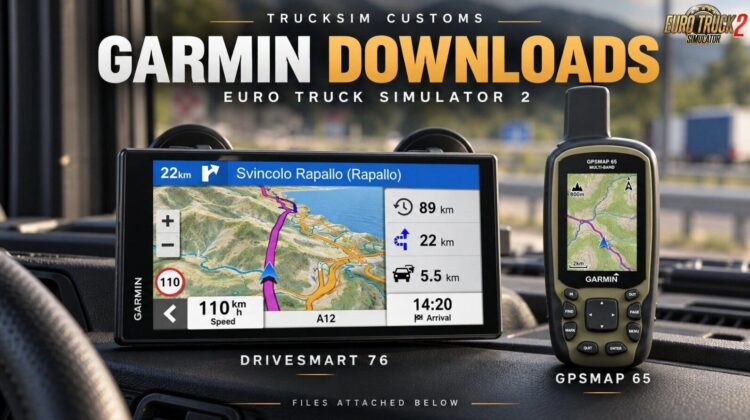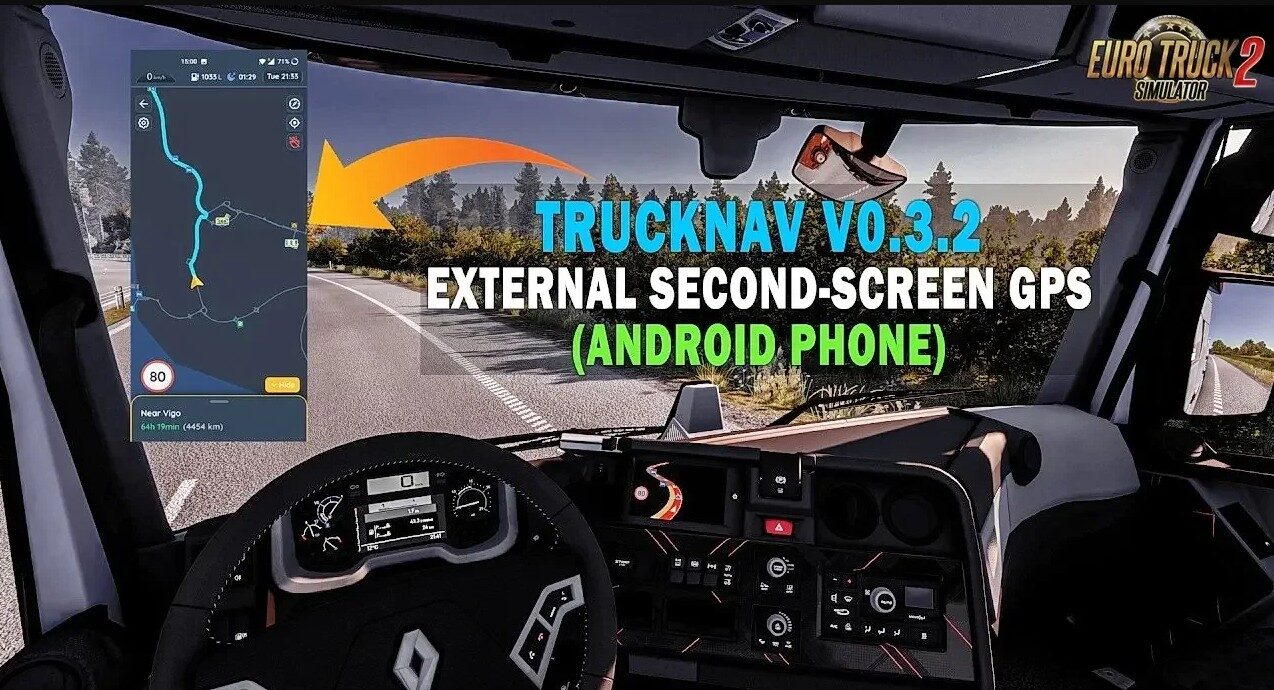
This free open source tool brings real time external GPS navigation to ETS2 and ATS as a second screen companion app, perfect for immersive HUD free trucking, realistic route tracking on a phone, tablet, secondary monitor, or even TV, with live map display, turn by turn directions, and full DLC support across all European maps and expansions.
It streams game telemetry to display a clean, customizable navigation interface (similar to real GPS units) without ingame route advisor clutter ideal for multi monitor setups or tablet mounts in your sim rig.
Features:
– Standalone external tool (not a .scs mod – runs separately)
– Real time GPS navigation with live route tracking
– Supports any device: phone, tablet, second monitor, TV (via browser/app)
– Low latency streaming for smooth, responsive navigation
– Full DLC & map support (all SCS DLCs, ProMods compatible)
– Customizable interface: zoom, map style, ETA, distance, speed warnings, route overview
– Turn by turn directions & voice guidance (browser TTS in supported setups)
– No ingame HUD needed – perfect for immersive driving
– Easy setup: run the app and connect via local network
– Open source project (GitHub available for custom builds & contributions)
– Active Discord community for support and updates
– Works with ETS2 & ATS simultaneously (multi sim setups supported)
– Optimized performance with low CPU usage
Changes in v0.5.1:
Map Updates & Compatibility
– Updated ETS2 and ATS base maps for game version 1.61
– Updated ProMods compatibility to the latest releases (ProMods 2.84 & ATS ProMods Canada 1.64)
Navigation & Waypoints
– Added real time ETA calculations for more accurate route progress tracking
– Introduced a dedicated Add Stop button for easier multi stop route planning
– Improved the overall multi waypoint management workflow
Desktop & Bug Fixes
– Fixed Discord Rich Presence cleanup when closing the application
– Discord status now properly clears after exiting the program
– Various stability and compatibility improvements
Tested on game version 1.61.x
Credits:
Byatis