omixmod CarPlay v3.0.0 — ETS2 Cabin GPS
Window title (must stay exactly this): omixmod-CarPlay-GPS
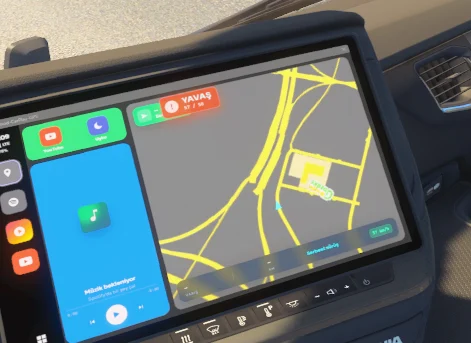
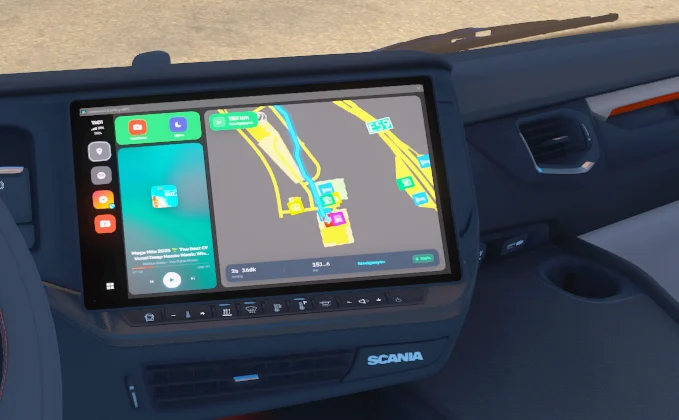
Live CarPlay-style GPS on the truck screen: close-up 3D map, blue route, Spotify / YouTube now playing, sleep screen (image / GIF / video / YouTube).
Türkçe
Nedir?
Euro Truck Simulator 2 kabin GPS’ine CarPlay tarzı arayüz basar. Harita oyun GPS’i gibi yakın ve eğiktir, mavi rota yolları takip eder. Müzik PC’de çalan Spotify veya YouTube’dan gelir.
Gereksinimler
Windows
ETS2 (64-bit)
Node.js LTS (ilk kurulumda npm install için)
Zip içindeki PrismTextureStreamerFB (KURULUM.bat kopyalar)
Kurulum
Klasöre çıkar.
KURULUM.bat dosyasına çift tıkla.
Prism, ETS2 binwin_x64plugins altına kopyalanır.
Node yoksa tarayıcı açılır; LTS kur, sonra kurulumu tekrar çalıştır.
İlk seferde Electron indirilir (birkaç dakika sürebilir).
ETS2’yi aç, kabine gir.
Oyunda Ctrl+F8 → Add Screen GPS → kaynak: omixmod-CarPlay-GPS → Apply.
Sonraki seferler: sadece START.bat.
Prism otomatik bulunamazsa elle kopyala:
Euro Truck Simulator 2binwin_x64plugins
PrismTextureStreamerFB.dll (plugins köküne)
PrismTextureStreamerFB klasörü (plugins altına)
Zip’te bunlar plugins-install klasöründedir.
Oyunla birlikte açılsın
AUTO_START.bat çalıştır, veya Win+R → shell:startup → AUTO_START.bat kısayolu koy. ETS2 (eurotrucks2.exe) açılınca CarPlay gelir.
Önemli
CarPlay penceresini küçültme. Prism son karede donar.
Pencere başlığı omixmod-CarPlay-GPS kalmalı. Değiştirme.
Launcher CMD’yi küçültebilirsin; CarPlay penceresine dokunma.
ReShade d3d11.dll Prism ile çakışabilir. Sorun olursa geçici kapat.
Harita / HUD için telemetri gerekir. Bağlı değilse Ctrl+F8 kaynağını ve plugin’i kontrol et.
Ayarlar’dan iOS / Android görünümü, tema, HUD, uyku medyası (resim, GIF, video, YouTube).
Güncelleme: Ayarlar → Kontrol et. Yeni sürüm zip ile gelir, tema ve uyku dosyaların silinmez.
v2.0.0
Yakın 3D GPS haritası, yol takip eden mavi rota
YouTube kenar çubuğu + kapak
Uyku GIF / YouTube düzeltmesi
Daha az FPS kaybı
Radyo yok
English
What is it?
Puts a CarPlay-style UI on the Euro Truck Simulator 2 cabin GPS. Close-up tilted map like the in-game advisor, blue route that follows roads, Spotify / YouTube now playing from Windows, sleep screen.
Requirements
Windows
ETS2 (64-bit)
Node.js LTS (needed once for npm install)
PrismTextureStreamerFB (copied by KURULUM.bat)
Installation
Extract the zip.
Double-click KURULUM.bat.
Prism is copied to ETS2 binwin_x64plugins.
If Node.js is missing, the installer opens the download page. Install LTS, then run setup again.
First run downloads Electron (can take a few minutes).
Launch ETS2 and sit in the cabin.
In-game Ctrl+F8 → Add Screen GPS → source: omixmod-CarPlay-GPS → Apply.
Next time: just run START.bat.
If Prism is not found automatically, copy manually to:
Euro Truck Simulator 2binwin_x64plugins
PrismTextureStreamerFB.dll (into the plugins folder)
PrismTextureStreamerFB folder (into plugins)
These files are in plugins-install inside the zip.
Start with the game
Run AUTO_START.bat, or Win+R → shell:startup and put a shortcut to AUTO_START.bat. CarPlay starts when ETS2 (eurotrucks2.exe) launches.
Important
Do not minimize the CarPlay window. Prism will freeze on the last frame.
Keep the window title exactly omixmod-CarPlay-GPS.
You may minimize the launcher CMD; do not minimize the CarPlay window.
ReShade d3d11.dll can conflict with Prism. Disable it if the GPS overlay fails.
Map / HUD need telemetry. If it stays offline, check Ctrl+F8 source and that the plugin is loaded.
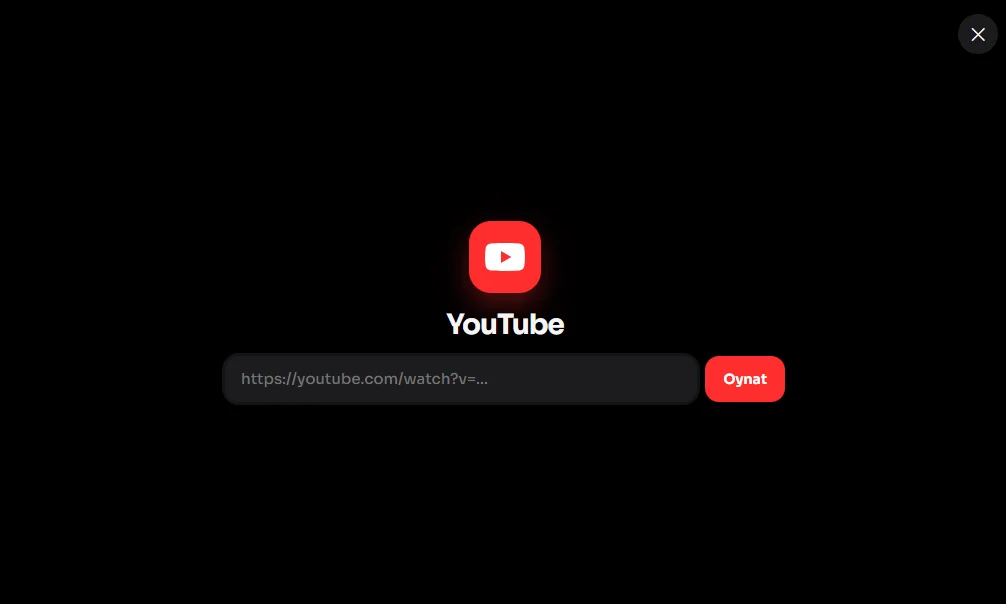
Settings: iOS / Android skin, themes, HUD, sleep media (image, GIF, video, YouTube).
Updates: Settings → Check. New zip installs without deleting your theme or sleep files.
v2.0.0
Close-up 3D GPS map, blue route following roads
YouTube sidebar + cover art
Sleep GIF / YouTube fix
Lower FPS impact
No radio
omixmod · PrismTextureStreamerFB is used to draw the window onto the truck GPS mesh. Do not redistribute as your own work without credit.
Credits:
Omixmod
![[1.62] High_Quality_Dashboard DAF NG2021+ – V2.16](https://ets2.lt/wp-content/uploads/2026/10/1.62-High_Quality_Dashboard-DAF-NG2021-V2.16-1-750x422.webp)
![[1.61] ETS2 Realistic Steering with Keyboard – V4.0.22](https://ets2.lt/wp-content/uploads/2026/10/1.61-ETS2-Realistic-Steering-with-Keyboard-V4.0.22-1-750x422.webp)
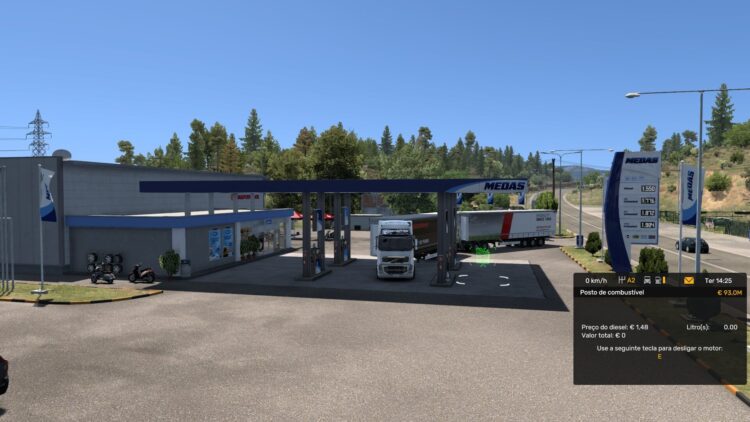
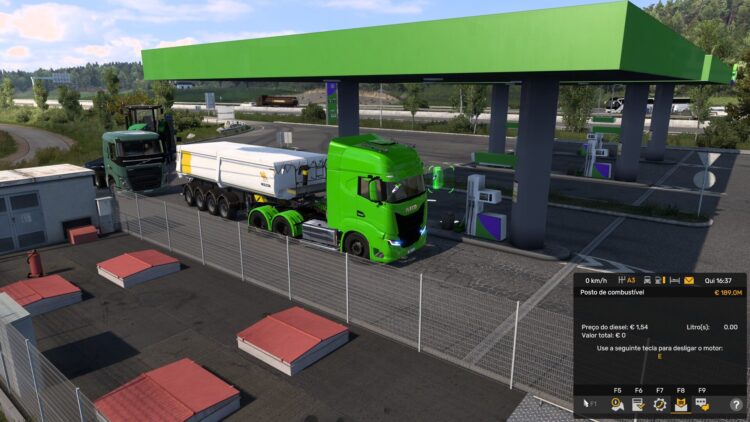

when i try to put it on my gps i see a pink screen instead of the app does anyone know how to solve it
Set the ETS2 graphics API to DirectX 11. In Vulkan or DX12, the Prism GPS often remains pink. Go to Settings → Graphics → DirectX 11, then restart the game.
Enter the cabin while CarPlay is running. Ensure the window title is exactly `omixmod-CarPlay-GPS`. Do not minimize the window.
In-game, press Ctrl+F8 → Add Screen → GPS (not any other screen type) → select `omixmod-CarPlay-GPS` from the source list → Apply.
Keep only the single GPS screen in the Ctrl+F8 menu; delete any extra screens. Empty or extra screens will corrupt the truck’s texture and turn it pink.
Launch the game in “borderless window” mode; “exclusive fullscreen” breaks the capture.
If you have ReShade installed, temporarily rename the `bin\win_x64\d3d11.dll` file and launch the game.
If it is still pink: Close CarPlay → run `START.bat` → click Apply in the game again. Run `KURULUM.bat` once more if necessary.
It may also appear pink on trucks without a cabin GPS or with heavy interior mods; in that case, try using a default SCS truck.