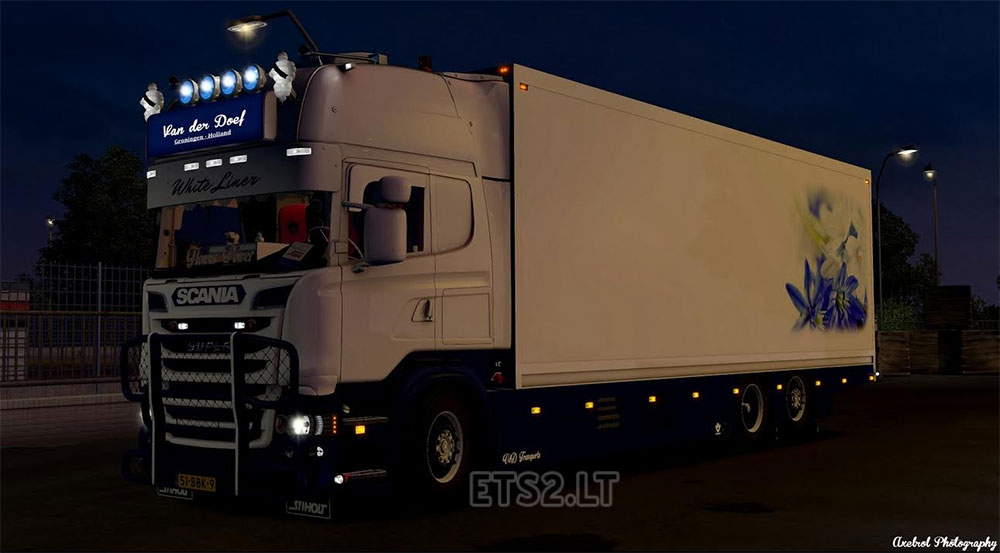
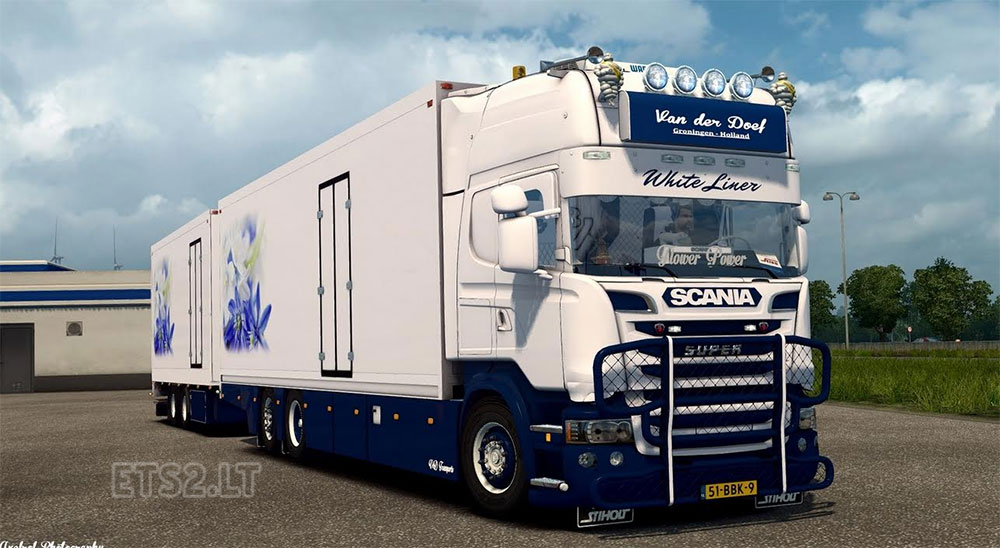
Reshade Framework
What Reshade?
Reshade – Advanced post-process injector designed to improve the graphics in any game that supports Direct3D8, Direct3D9Ex, Direct3D10.0 – 10.1, Direct3D11.0 – 11.2 and OpenGL. It has a huge amount of built-in effects, as well as have the opportunity to create their own. Here is just a partial list of the available effects – depth of field, ambient occlusion, chromatic aberration, SMAA, FXAA, dynamic filmgrain, automatic saturation and color correction, cross processing, multi-pass blurring.
Authors:
– Crosire (developer Reshade)
– Lucifer Hawk (developer GemFX)
– CeeJay.dk (developer SweetFX)
– Marty McFly (developer MasterEffect / McFX)
– Loxa and JPulowski
Spread your settings for the ETS 2. have been made on the basis of the standard weather. You can change the way you want – everyone has different tastes: smile:
Installation:
1. Download the file of the first link and unzip the entire contents of a folder win_x64 (in the directory with the exe file of the game should be a folder Reshade, as well as two files – d3d9.dll and Reshade.fx)
2. Start the game, but do not be alarmed that the screen can be slightly load “unresponsive” – at the top left of the screen is information about the tuning effect Reshade. it lasts a few seconds.
3. Press Num1 to activate / deactivate the effect. (do not forget to turn numlock: smile:)
4. If do not want to include a program each time after the start of the game, then open the file in a folder Common.cfg Reshade in line #define RFX_Start_Enabled 0 changing to 1. Reshade still need to be for some time after starting to generate effects.
5. If you have 32-bit Windows, download the file d3d9.dll the second link and replace them former.
6. In the game, use the key PrSc, to take screenshots – they will be saved in the folder with the .exe
Credits:
Crosire, Lucifer Hawk etc..
![Realistic Weather System V3.0 ETS2 [1.61.1.3][1.57-1.59]](https://ets2.lt/wp-content/uploads/2026/10/Realistic-Weather-System-V3.0-ETS2-1.61.1.31.57-1.59-1-750x422.webp)

In my opinion, this is obvious. Try to search for the answer to your question on google.com
Yes, let’s see
Will outline your health,
You have RSS in a crooked encoding!
You are not right. I’m sure.
Link truck plzzzzz
Hello it’s possible to delete the key 1 on the numpad to have an order key ?
I tried this too. Problem is that it appears to be set based on a non colour corrected monitor. I can achieve the results you have if I disable my Spyder profile, but I always leave my Spyder Profile on so this looks dark and horrible on a colour corrected profile (well on mine it does).
hello please can you make video how to install it, I do not get
wooow beautifull truck
I have tried, one word AWESOME…..
Hi AXEL, when i use this reshade i still have crispy edges. Is there a setting to make edges sharper?
link for truck plzz
Please make video installation my english is bad :((
Work fine 🙂 is not a fake lol ^^
Truck link please ?
d3d9.dll for 32bit windows
http://sharemods.com/7wu1d90ox7mp/d3d9.rar.html
spasibo
Ну да , как установку делать ? Полностью файл копировать или как ?
Reshade give me ‘exe error’ everytime a try use it… X64 executable… Why? Sorry my bad english…
Can you make turtorial video for install this mod my english is not so good
holy #####, thats AMAZING o_O
THANKS!
“1. Download the file of the first link and unzip the entire contents of a folder win_x64”
“5. If you have 32-bit Windows, download the file d3d9.dll the second link and replace them former.”
Well, I only see ONE link…
So, is this “the first” (64bit) or “the second” (32bit) link???
maate! this is awesome! great work, easy as to install. Thank you!
FAKE!!!! as usual. Don’t download.
Not fake, delete this comment please.
Sorry but you looking like an ##### now 😀 This is not fake but if you think what its a truck from screens, then its not. Its only Reshade (good alternative for SweetFX).
link for truck pliss
looks like some high tech stuff, I will try this