
SleepAnywhere ETS2
SleepAnywhere lets you sleep almost anywhere in Euro Truck Simulator 2. You no longer need to find a special parking place to rest.
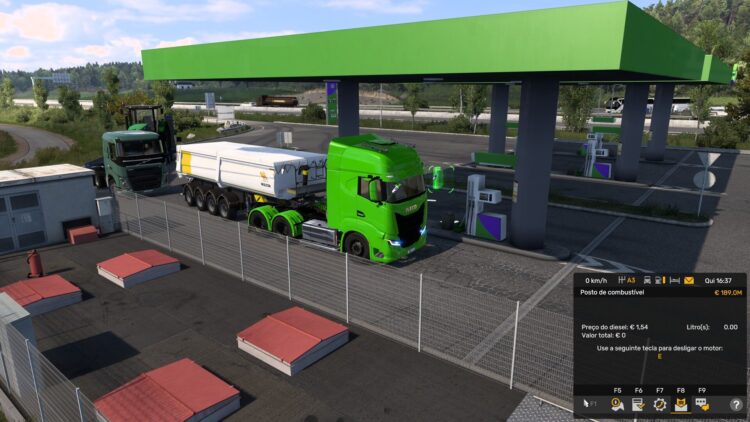
Stop your vehicle, turn off the engine and press F9. The normal sleep menu will open.
Tested and working on ETS2 version 1.61.1.1. Other versions have not been tested yet.
Installation: Put SleepAnywhere.dll inside binwin_x64plugins. Read the included README for full instructions.
Credits:
muhaymods
Sponsored links
Sponsored links



1.6.1.1.9 Not working 🙁
where did u place the dll file
Naturally, where necessary… I use plugins…
could you send me your eurotrucks2.exe file so I can investigate why SleepAnywhere isn’t working on your game version?
You can find it in your ETS2 installation folder:
Euro Truck Simulator 2\bin\win_x64\eurotrucks2.exe
You can upload it to Google Drive or another file-sharing site and send me the link. Thanks!