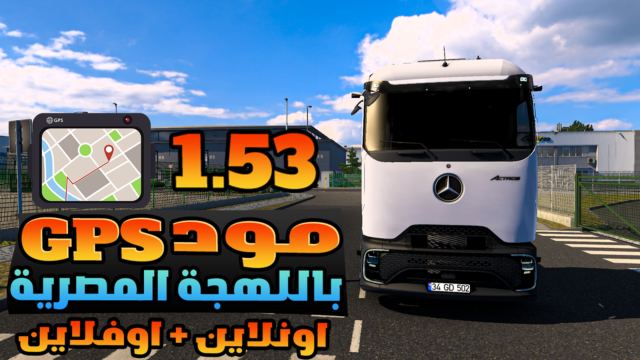
Experience an Egyptian Dialect GPS Voice by Abdo Ibn Egypt
Works in Single Player Offline and TruckersMP Online with easy setup
Full installation guide available in the video
1 Download the file from the original link
2 Extract it and you will find
SCS file for Single Player Offline use
Alternative setup for TruckersMP Online using plugin_files
3 Open plugin_files find the version matching your game then extract it and copy the two files inside
4 Go to the following directory
steamapps\common\Euro Truck Simulator 2\bin\win_x64
5 If there is no plugins folder create it manually
6 Open the new plugins folder and paste the copied files inside
7 You will find a folder named Egyptian_GPS_Voice_by_Abdo_Ibn_Egypt_in_Egyptian_Dialect open it and copy the two files inside
8 Navigate to the following directory and paste the files
steamapps\common\Euro Truck Simulator 2\bin\win_x64\plugins\ts-fmod-plugin
9 Open selected.bank and add the following name
Egyptian_GPS_Voice_by_Abdo_Ibn_Egypt_in_Egyptian_Dialect then save the file
10 Launch the game and follow the setup instructions in the video
Credits:
Abdo Ibn Egypt
DOWNLOAD 10 MB