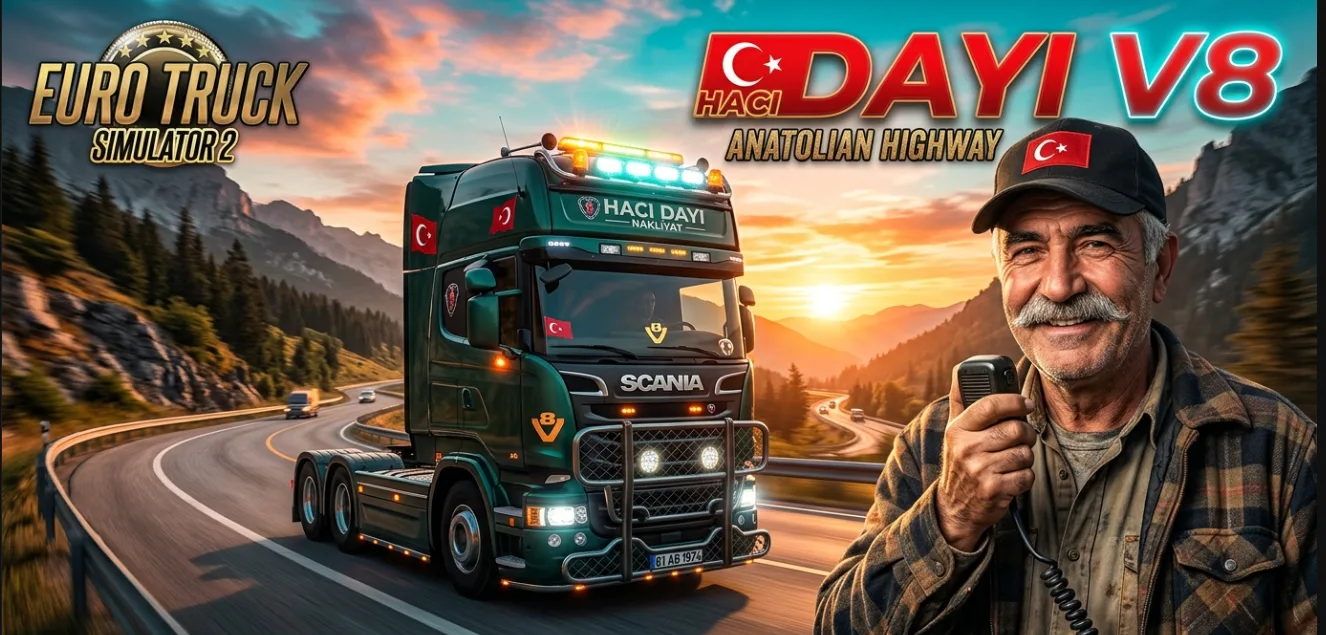
📌 Step 2: Activate in Mod Manager
Launch Euro Truck Simulator 2.
On the profile selection screen, click the Mod Manager button below your profile.
Locate “Turkish Voice Navigation – Hacı Dayı (Telsizci)” in the left-hand mod list.
Double-click the mod (or select it and click the Right Arrow ➡) to move it to the Active Mods list.
Click the green Confirm Changes button at the bottom.
📌 Step 3: Select Hacı Dayı in Audio Settings
Select your profile and click Drive to enter the game.
Press ESC to open the pause menu and navigate to:
Options ➔ Audio
Scroll down to the Voice Navigation section:
☑️ Check the Enable Voice Navigation box.
Language and Voice Pack: Select Turkish – Hacı Dayı (Telsizci) from the dropdown menu.
Click the Preview / Test button right next to it to test Hacı Dayı’s voice lines.
💡 Pro Tips:
Speed Warning: Set the Speed Warning option to Audio Warning. Whenever you exceed the speed limit, Hacı Dayı will call you out over the radio: “Slow down chief, you’re hitting a speed trap—you’re paying the fine!”
Volume Balancing: Adjust the Voice Navigation Volume slider between 80%–100% to keep voice prompts clear over heavy engine noise.
🎙️ Sample In-Game Voice Lines:
🚩 Starting the Route: “Have a good trip, captain! Ignition’s on, hit the gas!”
⚠️ Speed Trap Alert: “Slow down chief, you’re hitting a speed trap—you’re paying the fine!”
🔄 Wrong Turn / Rerouting: “Captain, you took the wrong turn! Hold on, recalculating the route…”
🏁 Job Completed: “We made it, thank goodness captain! Safe travels and well done.”
↩️ U-Turn: “Make a U-turn wherever possible, captain.”
Credits:
Omixmod

.bank ve .bank.guids dosyaları hazırlanmamış. mod_icon bile png olarak sunulmuş. Mod çalışmadığı gibi mod_icon dahi görünmüyor. Harici programla .ogg ses dosyalarını dinledim, normal bir erkek sesi. Hacı dayı Anadolu şivesi denmiş ama alakası yok. Eskiden mod hazırlıyordunuz da geçmişte mi kaldınız. Biraz özen lütfen! ETS2’de neler değiştiğini kontrol ederek sunum yapmanız dileğiyle… Yine de bir şeyler sunma isteğiniz pozitif, bu yüzden mod çalışmadığı halde elinize sağlık diyorum.