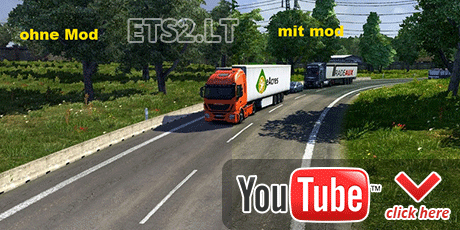
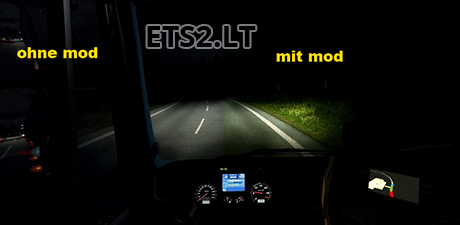
How to install:
1 – Unzip the downloaded file using WinRAR or Winzip;
2 – Put lowBloom.scs file in My Documents / Euro Truck Simulator 2/mod
3 – Place all files in the folder and copy SweetFX where you installed the game (Euro Truck Simulator 2 \ bin \ Win_x86).
4 – Open the game and activate your dinrofilul lowBloom.scs;
5 – For graphics options, and off anti-aliasing (MLAA) and color correction;
6 – Screenshots to make use Print Screen key F10 does not save images SweetFX effects. The images are stored in the game’s executable file
What’s new in this way:
– Improved Anti-Aliasing
– Effect of focus
– Contrast
– Saturation
For Game Patch: 1.4.X
Author: Desconhecido
Sponsored links
Sponsored links
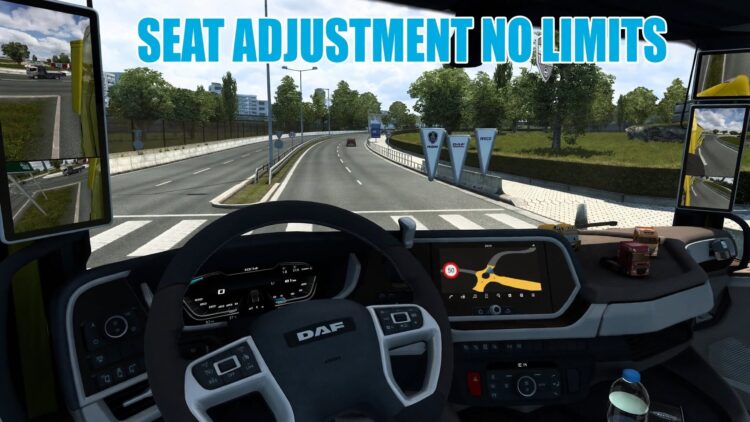

yesterday i use this on 1.7.0, and now i use 1.8.2.3
it’s great brother 🙂
i very like this 🙂
PS : sorry for my bad English 😀
Do it work for update 1.6.0 ? Sorry for bad English.
it’s worked on 1.4.12!
thanxxxxxx
Can it be updated for 4.1.12 ? Preaty please…
This is a mod i can not live without…
can someone upload this file to another host ? I can’t download this file
nice how you just take my description from russian site i translate it into english and put here 😀 by the way there is a new version of SweetFX already (Boulotaur’s injector) which have FXAA and its a lot better with my setting. Just google sweetfx ets 2 axelrol or so.
Greets!
bonjour vraiment tres tres bien enfin des jolis graphisme au moment que j ai installer j ai mis ets 2 en marche et en haut a droite de mon ecran j ai mon croosfire qui cet afficher a les deux hd 7870 sont a fond je suis en 300% et en ultra j ai desactiver les deux cases que vous dite esque ya moyen encore d ameliorer j attend vos reglage d avance merci
Hi my good mod works well only starts when administrator mode if it can help
The game wont start after putting all in place.
I enter in game after i put all the files in order but after i Quit and startd again, it just wont start. 1.4.8
Too bad, the image in game is very nice and clean.
You have to update your directX in case of that error first.
It worked ok in 4.1.8, but not anymore in 4.1.12. 😐
This is a great alternative to mod (EnvironmentSimulatingStudio_RED_Expert_2013)
Thank you Thank you Thank you Thank you Thank you