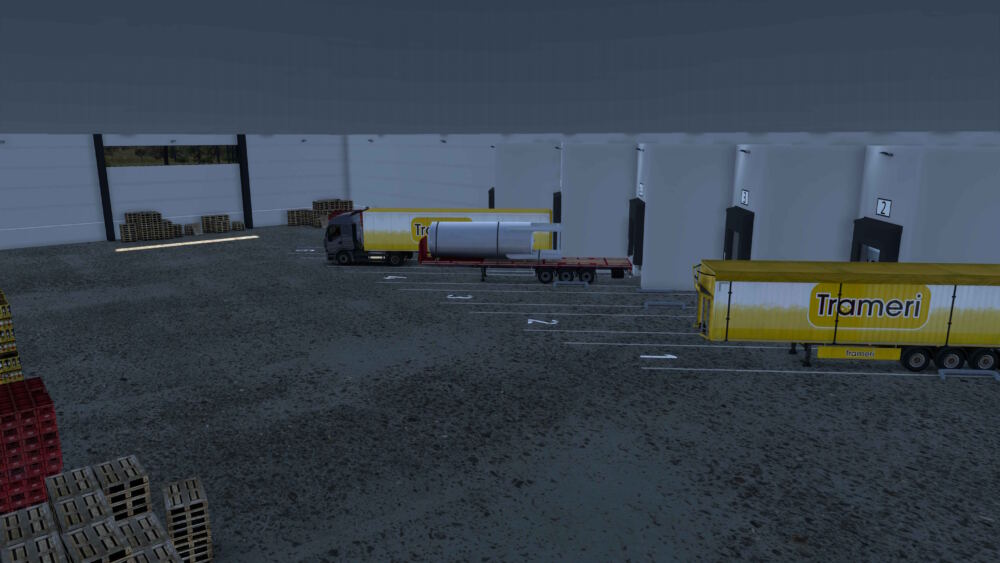
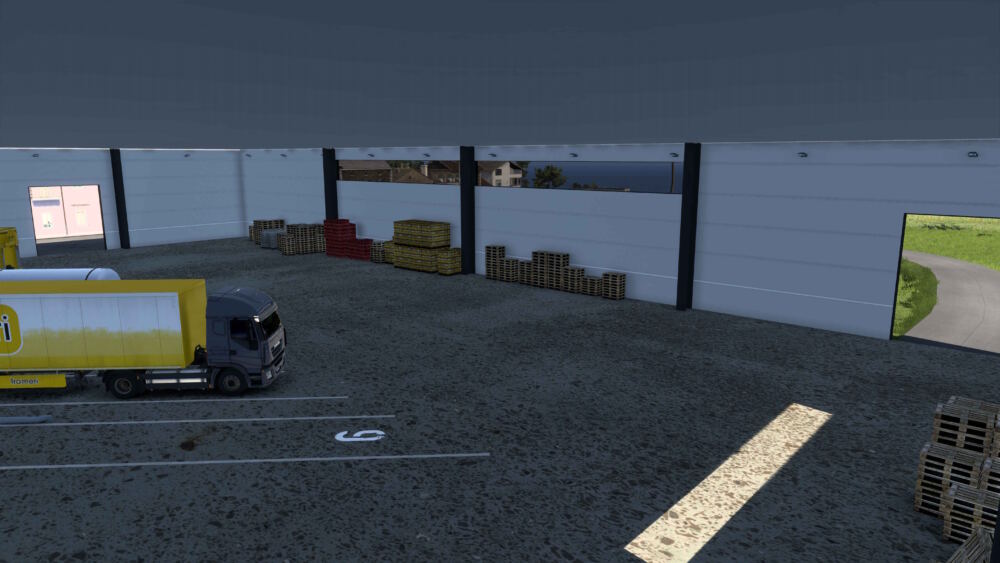
Indoor depot for Euro Truck Simulator 2.
The file includes a “model” version with no company option, and a “prefab” version that can be assigned a company to make deliveries inside.
The warehouse is illuminated at night, as are the exterior logos.
To change the logo on the panels, go to \model\nibor\sti_inter\depot\logo.dds and replace the purple area with your logo.
It’s up to you to position the building using ETS’s mapping tool.
Mapping tip:
– for the prefab version, activate the “Terrain shadow” option in the prefab properties in the map editor.
– add a “no weather area” to avoid rain inside.
Credits:
Nibor76
Sponsored links
Sponsored links
![Realistic Weather System V3.1 ETS2 [1.62][1.57-1.59]](https://ets2.lt/wp-content/uploads/2026/11/Realistic-Weather-System-V3.1-ETS2-1.621.57-1.59-1-750x422.webp)