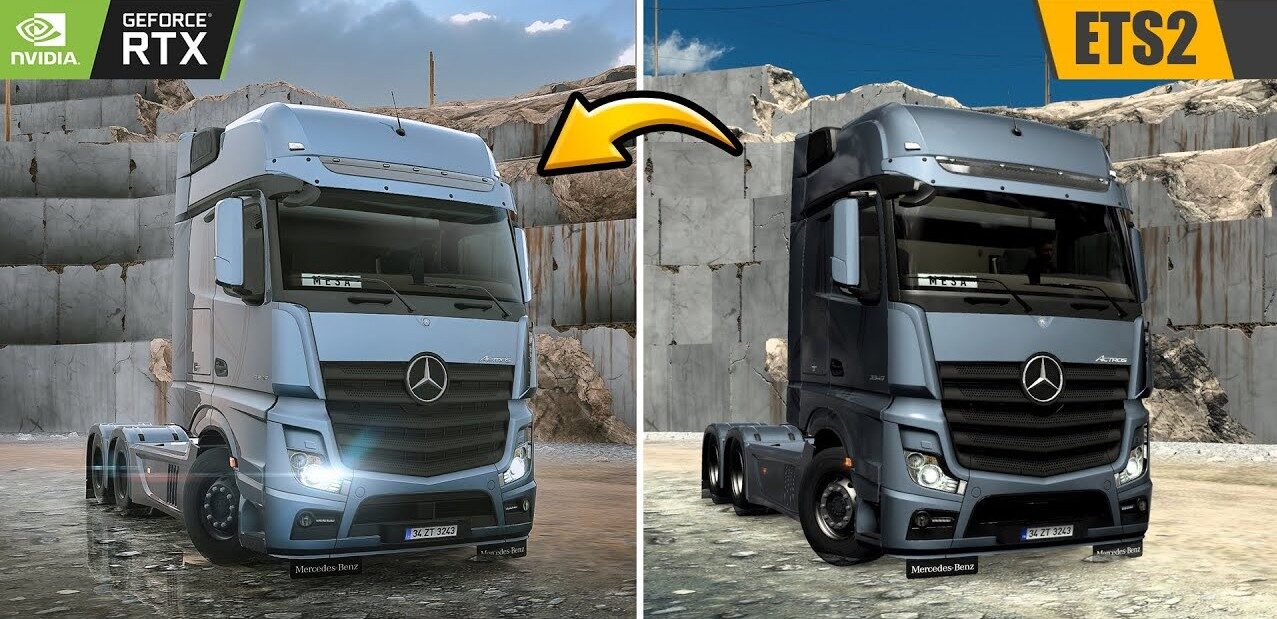
Plug-in for changing graphics and lighting
Lighting improvements;
Temporary Anti-Aliasing;
DLAA/DLSS 3.7;
Motion blur.
Go to the ETS2/ATS folder
Go to the folder “bin/win_x64”
Copy and paste “dxgi.dll ” and “nvngx_dlss.dll ” (for DLSS)
Starting the game with DirectX 11
Press the “END” or “CTRL+P” key to open the ingame menu
Dlss for Nvidia only
Credits:
Snowy Moon
Sponsored links
Sponsored links


enter key istiyor şifre nendir