Scania Touring 2026 | Coaches DLC — Beta/WIP 0.9.100
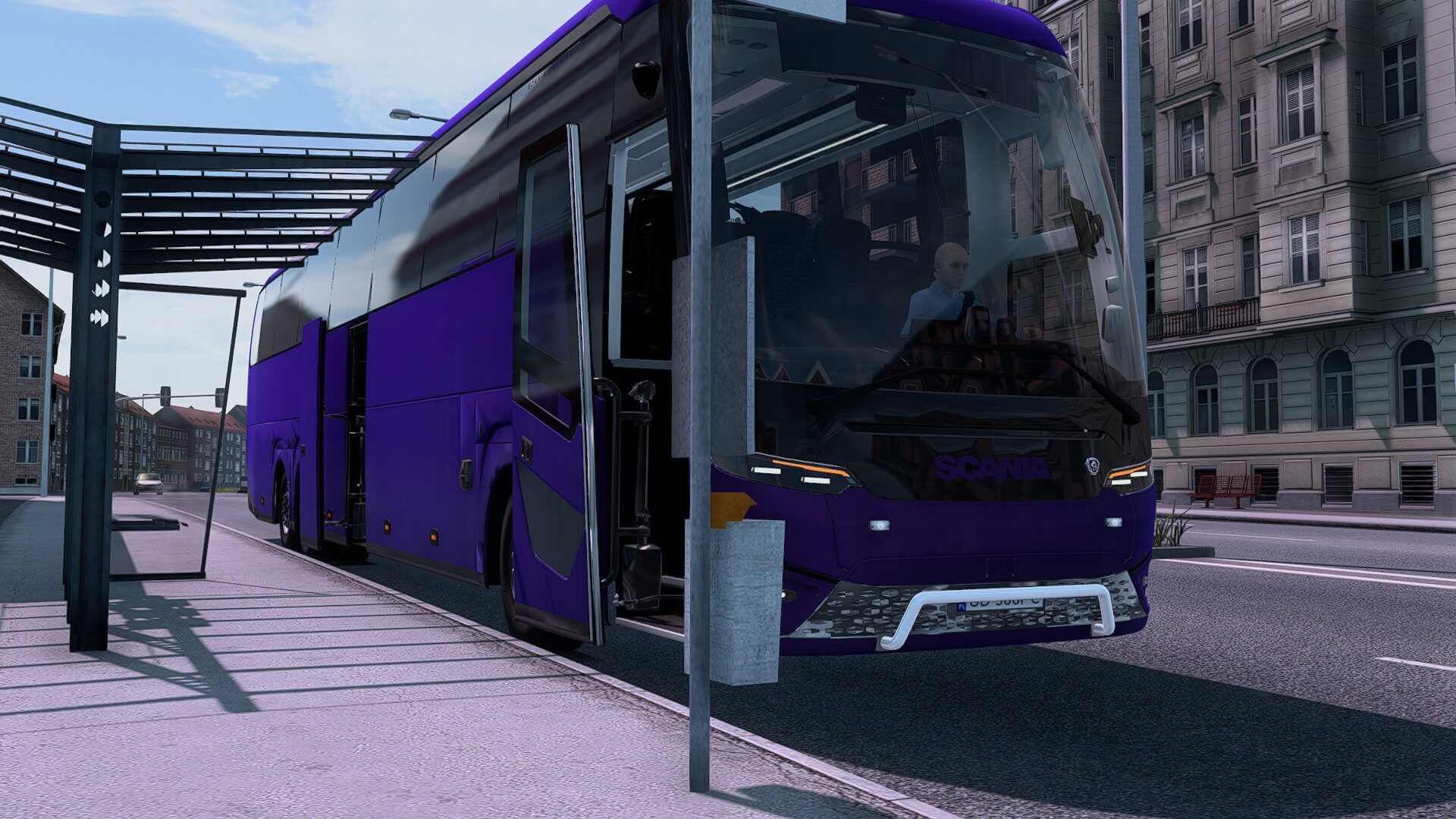
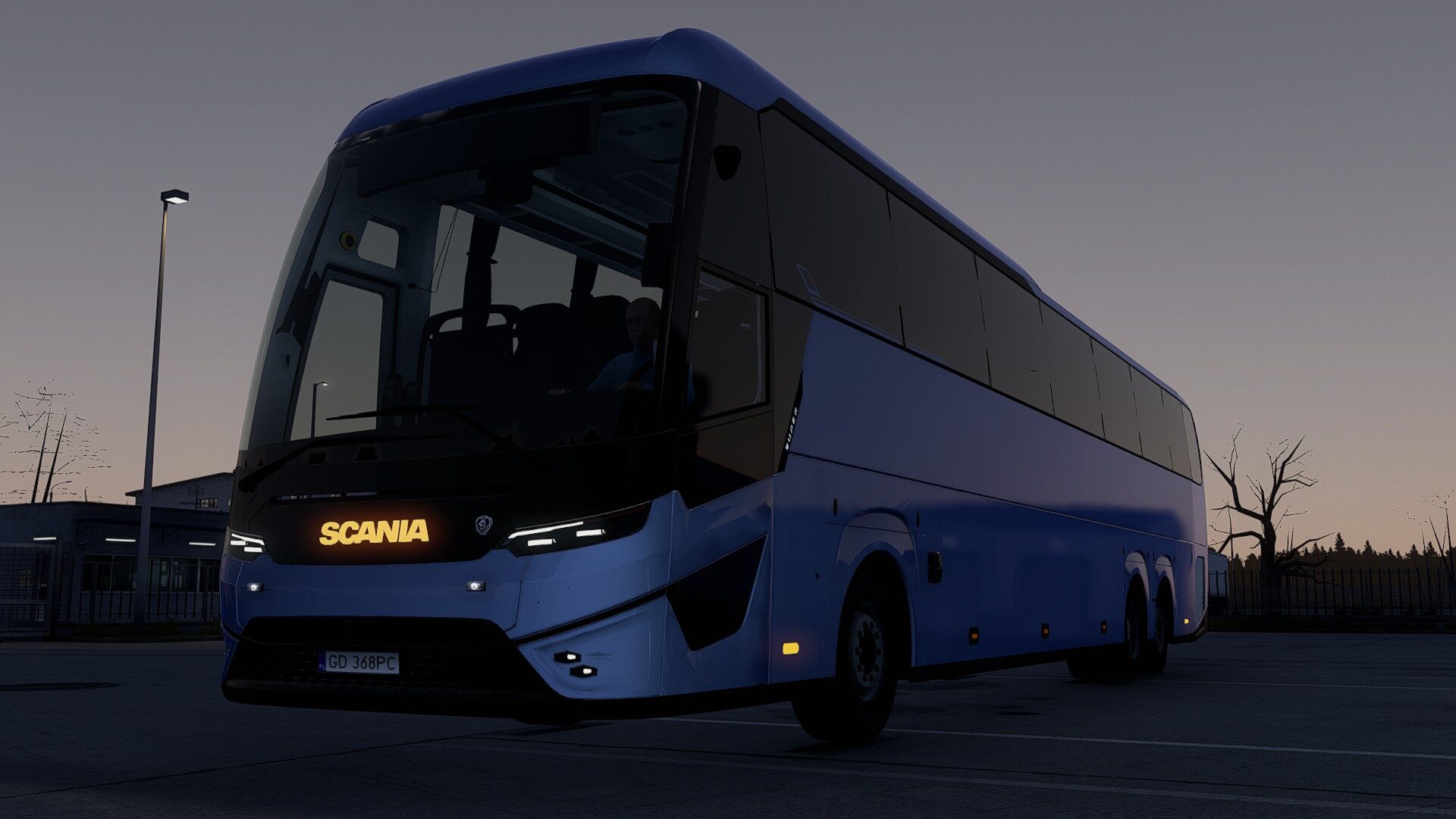
The 2026 Scania Touring comes to Euro Truck Simulator 2 as a three-axle coach for the Coaches DLC. Developed by TheDarwin63 using the original 3D model by geyges, this Beta/WIP release combines the new Touring’s appearance with passenger-service integration and selectable exterior details.
Features
– Coaches DLC passenger-service integration.
– Animated front and rear entrance doors connected to the coach door system.
– Three front Scania logos: chrome, body colour or white LED. The LED logo follows the position lights.
– Selectable white or amber DRL, including the colour of the illuminated strips.
– Six grille mounting points for compatible accessories, with a standard grille option available.
– A painted front bumper with body-colour or chrome honeycomb grille options. The upper panel and lower lip stay painted; a thin, curved grey sheet closes the view through the grille.
– A compact lower tubular bullbar available as a separate accessory.
– Rear bicycle-carrier options: empty, two bicycles or four bicycles, with rear lights and a repeater plate holder.
– White passenger ceiling LEDs connected to the native Coaches cabin-light control.
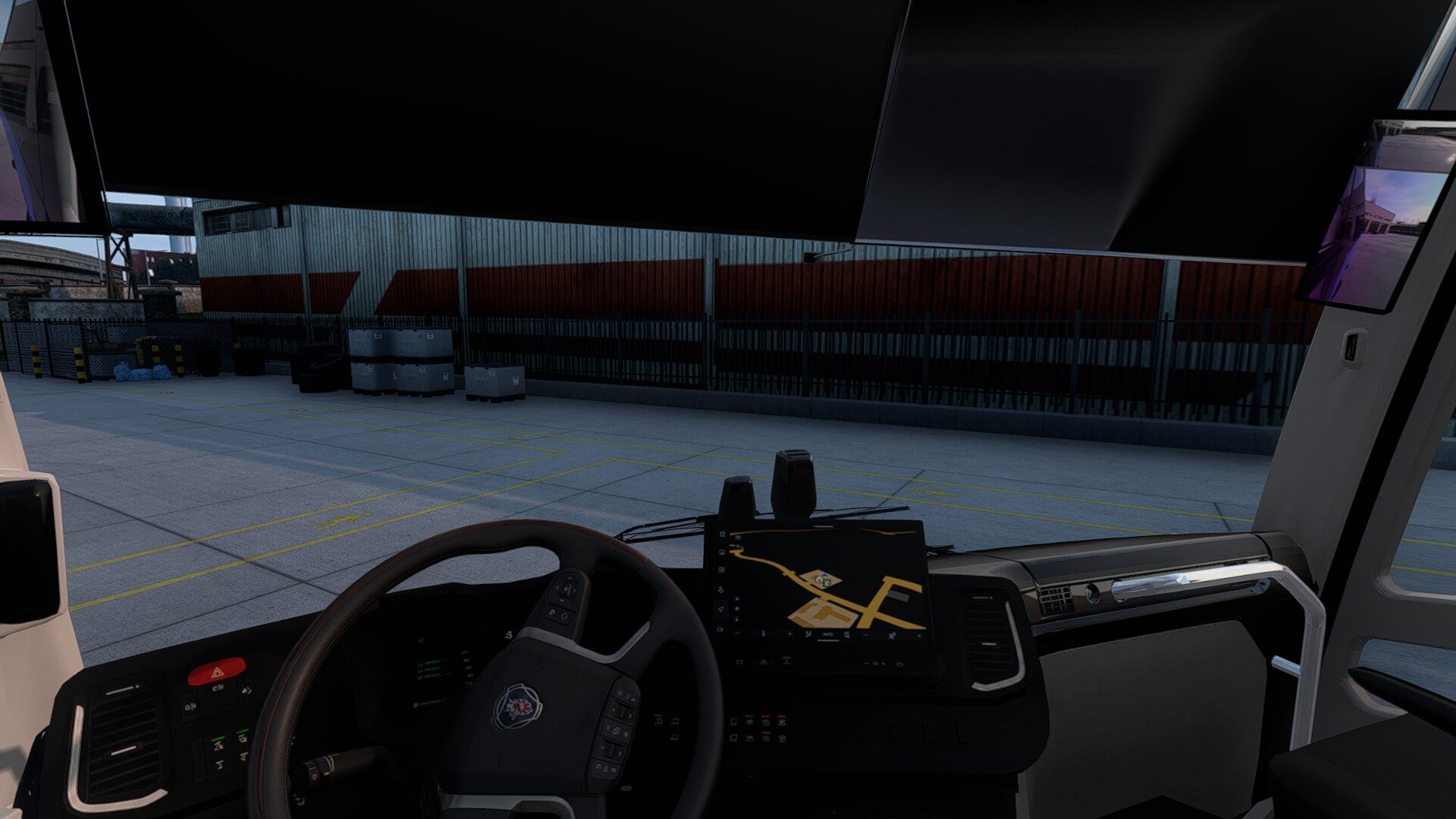
– Reworked interior textures, digital instruments and Scania S/R infotainment.
– Navigation display and reverse-camera integration.
– Camera mirrors with dedicated interior displays.
– Animated indicator stalk and revised vehicle lighting.
– Additional black window seals around the side glazing.
Requirements
Euro Truck Simulator 2 and the Coaches DLC are required. This build was prepared on ETS2 1.62.3.3. Optional grille accessories supplied by other mods require those mods.
Installation
Copy scania_touring_2026_coach.scs to Documents/Euro Truck Simulator 2/mod and activate it in Mod Manager. Replace an older copy and keep only one version active. Choose the logo, DRL colour, grille mounts, front bumper, bullbar and bicycle carrier in the coach configurator. On an existing coach, select the new front bumper and Passenger ceiling LEDs once in the service configurator. New coaches have these fitted by default.
If updating an existing coach that already has amber DRL selected, switch to white DRL and then back to amber once to apply the updated lighting configuration.
Beta/WIP status
This is a work in progress. Small visual issues and compatibility problems may remain, and door operation during passenger boarding still needs confirmation in gameplay. Feedback is welcome: please include your game version, relevant mods and a clear description of the issue.
Credits
Mod conversion, integration and development: TheDarwin63.
Credits:
TheDarwin63, geyges