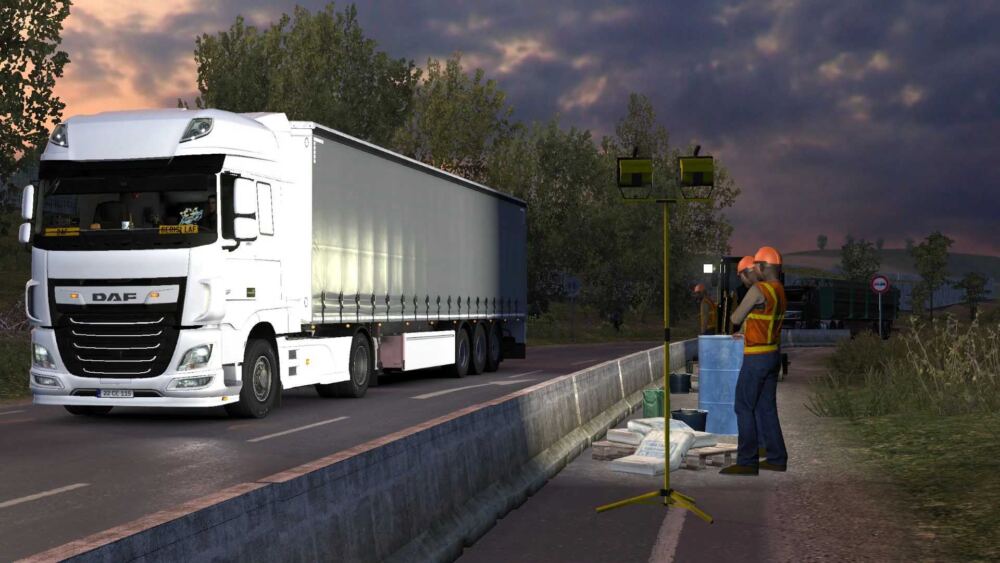
A high quality and high performance time antialiasing (TAA) solution has been implemented, as well as DLSS/DLAA support for NVIDIA GPUs. Shadow and SSA O improvements Settings: Press the “END”or”CTRL+P” key to open the game menu.TAA Clarity-reduce TAA blur * TAA Clarity is designed for people who want to get less blurry and clearer results, close to the result without smoothing, for example, for VR users. Sharpen Edges-adjust the sharpness for a ligned edges when usingTAAClarity/+.TAA level-The higher, the smoother FXAA is the 2nd smoothing method to improve edges T.Shadow-Prevents shadows from flickering Use with ReShade You can use this method with any other mod/plugin using dxgi.dll.
Create a folder named”reshade”in the “bin\win_x64″folder. Place all the files of ReShade (or any other mod/plugin)in the folder”bin\win_x64\reshade”or select the folder”bin\win_x64\reshade”in the ReShade installer. For the ETS21.50version of the game, ATS1.50
Credits:
Snowy Moon

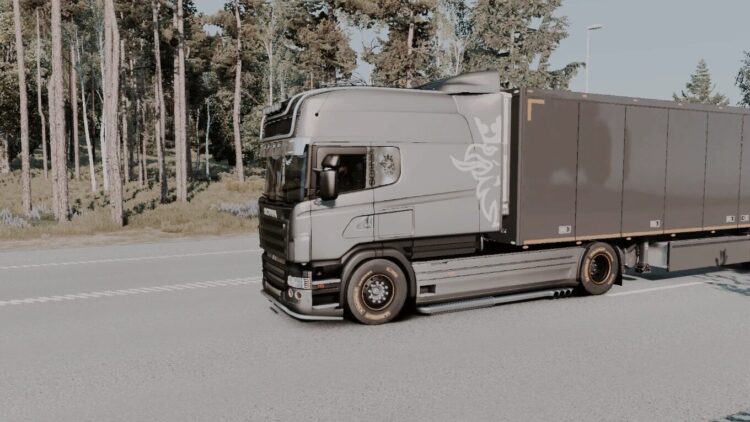
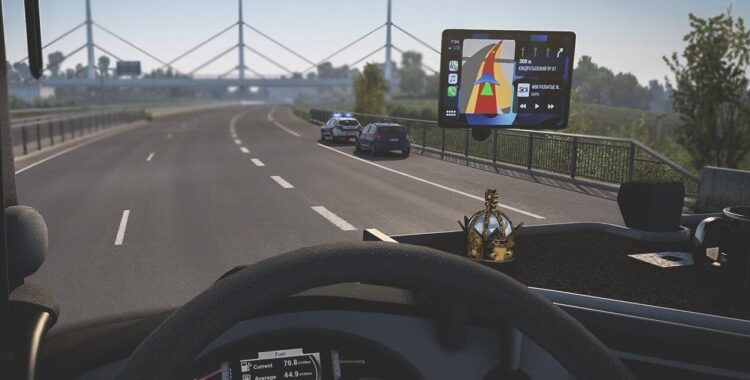
![PhotoGrapfix – Nvidia Presets ETS2 [1.60-1.61.1.3][1.53-1.59]](https://ets2.lt/wp-content/uploads/2026/10/PhotoGrapfix-–-Nvidia-Presets-ETS2-1.60-1.61.1.31.53-1.59-1-750x422.jpg)

The dropdown menu display and the actual settings do not match.
DLAA
142FPS→118FPS
DLSS Q
142FPS→108FPS
DLSS B
142FPS→93FPS
DLSS P
142FPS→83FPS
Maybe the display is reversed?
Nice 🙂 making it possible for the Nvidia 🙂 Would be greats to see others like AMD and Intel for everybody to enjoy too 😉
Nice :0 making it possible for the Nvidia 🙂 Would be greats to see others like AMD and Intel for everybody to enjoy too 😉