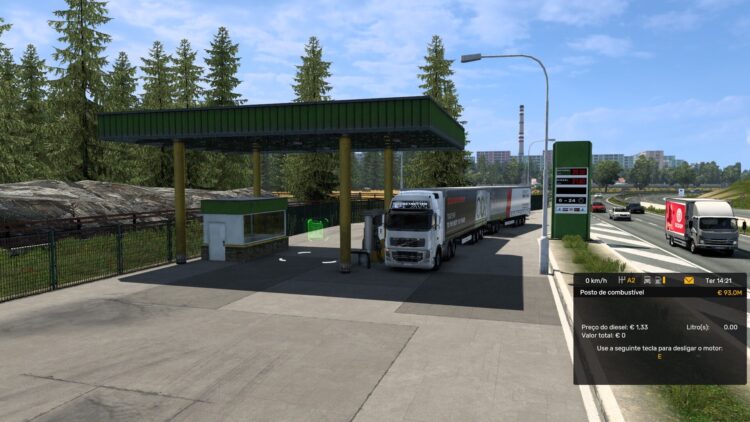
![TruckNav v0.4.3 - External Second-Screen GPS [ETS2 & ATS] [UI/UX Improved]](https://ets2.lt/wp-content/uploads/2026/04/Screenshot-2026-04-19-140847.webp)
![TruckNav v0.4.3 - External Second-Screen GPS [ETS2 & ATS] [UI/UX Improved]](https://ets2.lt/wp-content/uploads/2026/04/Screenshot-2026-04-19-141105.webp)
![TruckNav v0.4.3 - External Second-Screen GPS [ETS2 & ATS] [UI/UX Improved]](https://ets2.lt/wp-content/uploads/2026/04/Screenshot-2026-04-19-141116.webp)
📙 Introduction
TruckNav is a FREE and open-source, low-latency second-screen GPS companion for Euro Truck Simulator 2 and American Truck Simulator. I built this to allow for full immersion by turning off the in-game HUD and using a real-world style navigation unit on a phone, tablet, or secondary monitor.
🚀 Core Features
– Real-Time Navigation: Live GPS tracking powered by in-game telemetry.
-Second-Screen Experience: Use your phone, tablet, or browser as a dedicated GPS unit.
– Turn-by-Turn Guidance: Clear routing instructions designed for immersive driving without the in-game HUD.
– Custom Routing Engine: Built from game data to generate accurate and realistic routes.
– Cross-Platform Support: Available as desktop (.exe), mobile (.apk), and web app.
– Telemetry Integration: Direct communication with the game for position, speed, and heading.
– Mod-Aware Navigation: Designed to support company mods.
🆕 What’s New (v0.4.3)
Ultimate UI Customization
– Precision Sizing: You can now fully customize the size of HUD Buttons, the Truck Marker Size, and Compact Trip text.
– Component Toggle: New “Driving Info” settings allow you to choose exactly which UI elements (Speed, Fuel, Sleep, etc.) are visible on your HUD.
– Expanded Typography: Added a suite of new trucking-friendly fonts including Exo 2, Oxanium, Roboto, and Commissioner.
Performance & Feel
– Instant Icon Loading: Under-the-hood refactor to ensure all icons load instantly within the APK, eliminating “late-loading” or flickering during navigation.
– Lucide Icon Integration: Standardized the entire interface using the Lucide icon set for a crisp, consistent, and modern look.
– Start Timer: Added a visual confirmation timer to the “Start Navigation” button to prevent accidental route triggers.
Map & UX Enhancements
– Better Settings Layout: Completely redesigned the settings panel with a scrollable area and improved grouping for a better user experience on mobile.
– Perspective Tweaks: Refined the maximum zoom levels and map pitch to provide a better “bird’s eye” view of the European and American roads.
– Navigation Fixes: Resolved a camera bug on initial load and fixed color-ordering issues on interactive HUD buttons.
📥 Installation
1. Launch the TruckNav Desktop app to see your IP address and for the telemetry to launch.
2. Open the app on your phone and enter that IP.
3. Drive!
Bug Reports & Support If you encounter any issues or have suggestions, please reply to the SCS forum thread or open an issue on GitHub Issues / Discord Server.
– SCS Forum Thread: https://forum.scssoft.com/viewtopic.php?t=349145
– GitHub Repo: – https://github.com/Rares-Muntean/TruckNav-Sim
– Discord Server: https://discord.gg/C5BTXCF2jC
Credits:
Developed by Rares Muntean
DOWNLOAD 287 MB [Mirror]


THE LINK HAS BEEN UPDATED: https://modsfire.com/P8N6S4AHB35P4y0