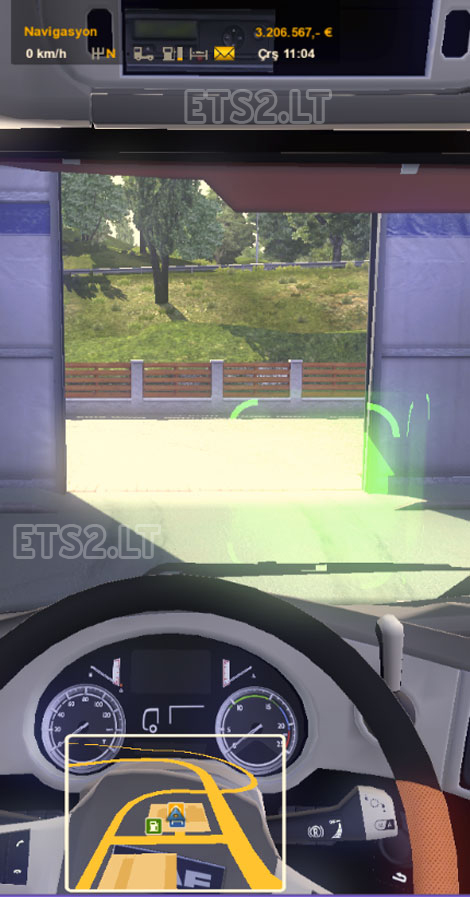
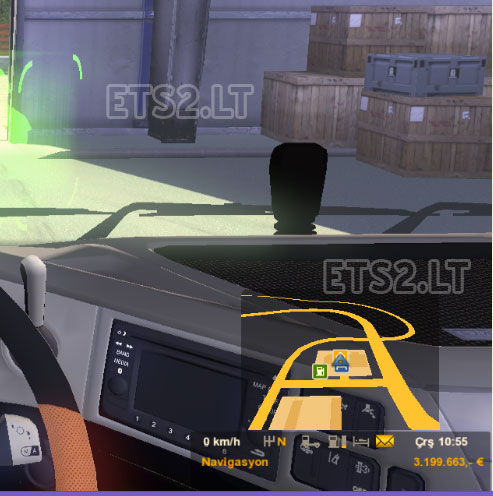
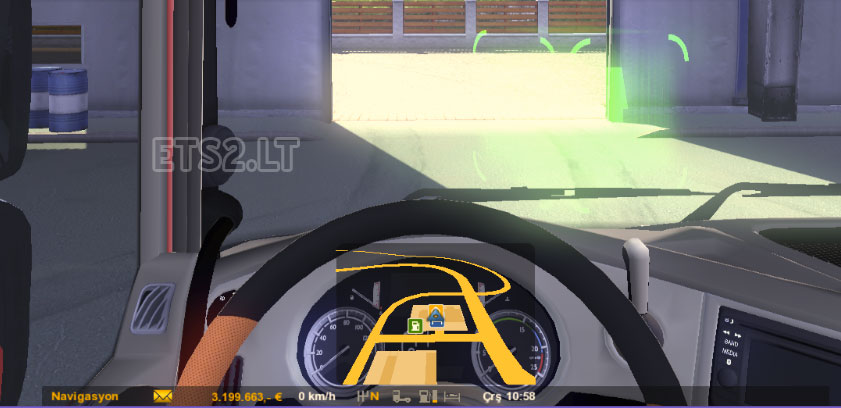

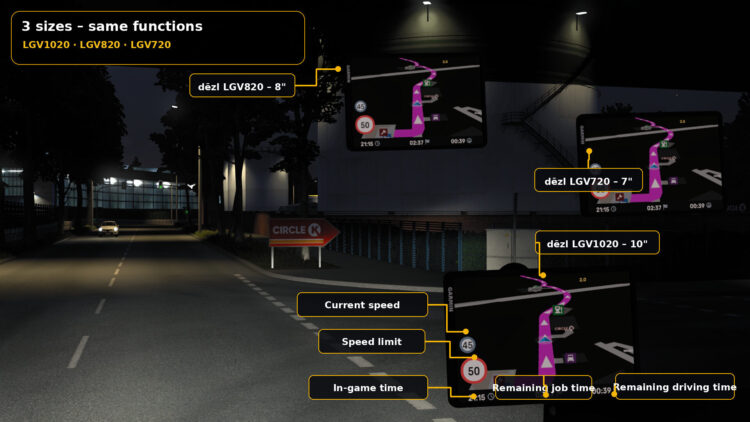
Euro Trucuk Simulator 2 small information screen (GPS) mode was made available to small mirror version 1.6.3.1 added
Tested version 1.16.3.1 +
Author: By MahBeR
Sponsored links
Sponsored links
https://www.youtube.com/watch?v=5IEvxFvwix8&feature=youtu.be
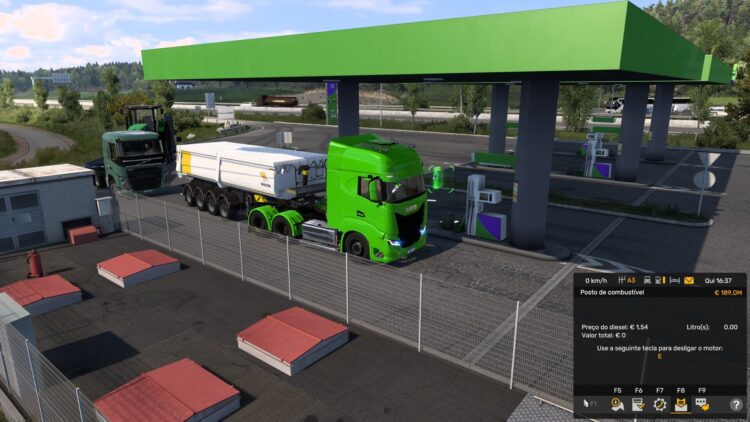


This works very nice, also in ETS2 version 1.20 (btw, can you update it version 1.20 or 1.21?). So thanks for sharing.
But I have one issue. It is a bit strange that the running line of the driver information pops up on the middle of the screen. Perhaps this is not a problem when you only have a few drivers, but with a lot of them it becomes annoying. Is there a way to change this? (Which values in which files? I tried it myself, but didn’t succeed sofar.)
This mod is not your own creation, this mod is Route Advisor and was created by Hemil.
You’re a thief who takes the mods of other people and you attribute merits for something that is not yours