Version 1.1:
– Fixed the display issue of FH6 gear on dashboard
Features:
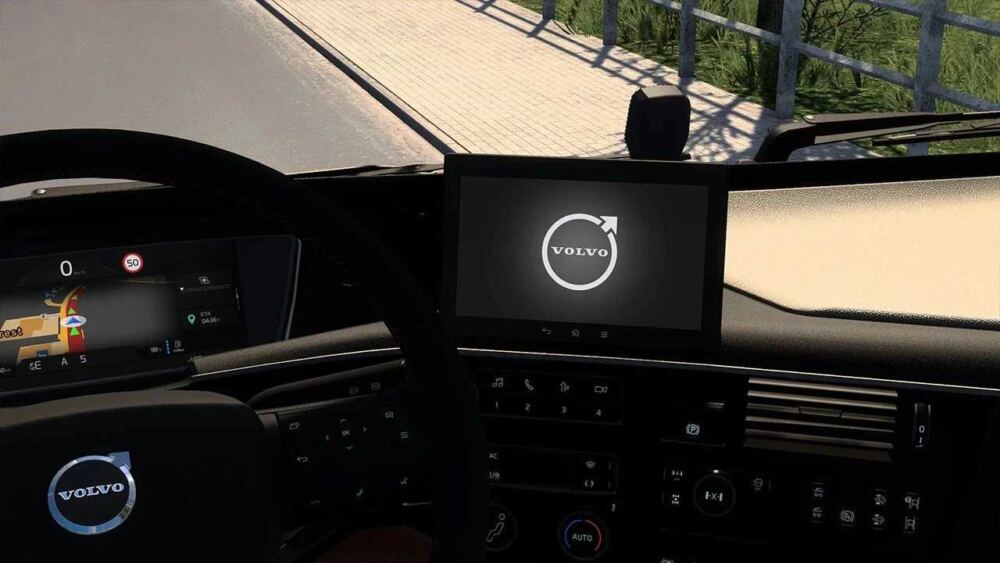
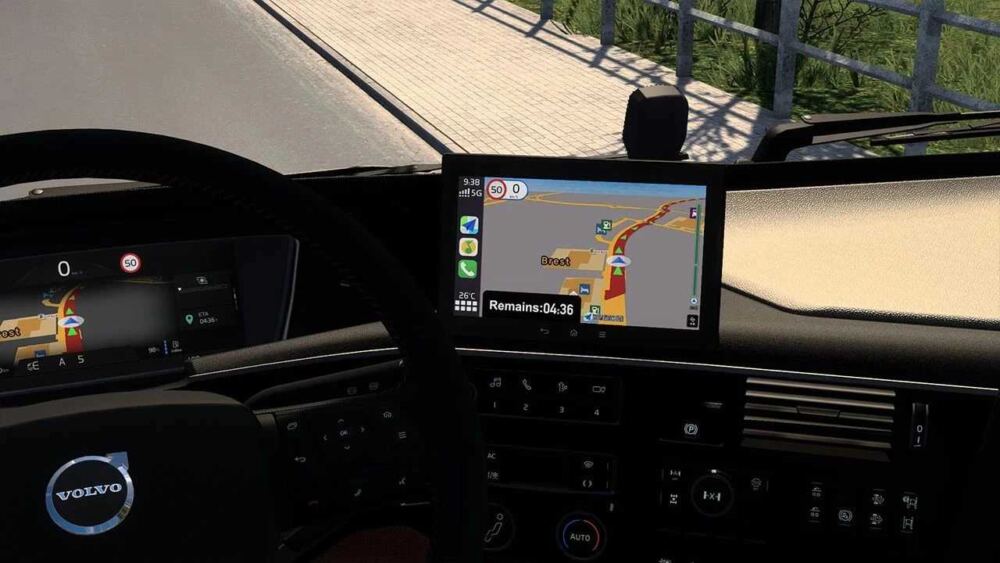
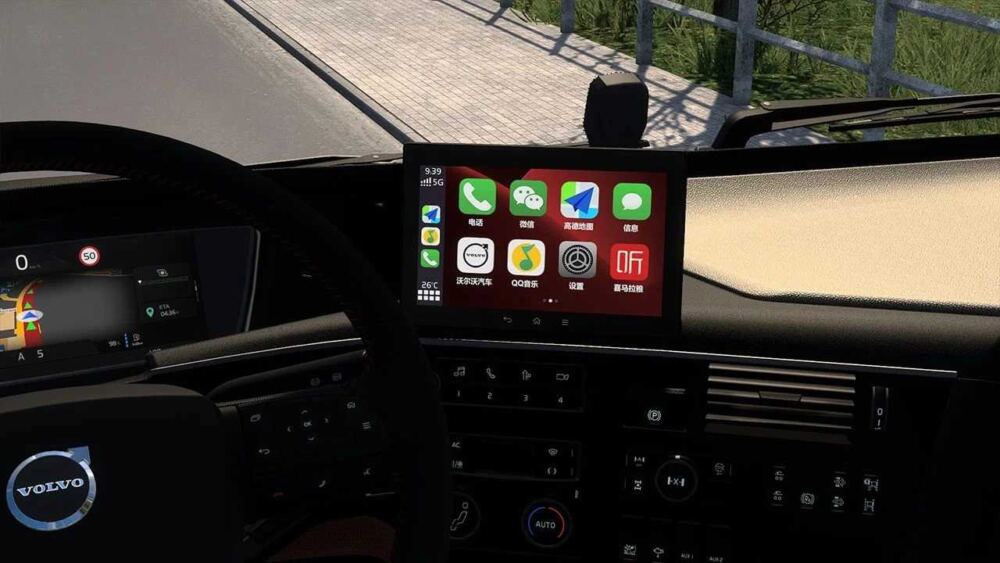
– 4 Center Console Display Modes (Volvo Logo, Navigation, Home and Music)
– Larger Speed Limit Icon on Dashboard for FH6
– Larger Estimated Time of Arrival on GPS
Credits:
Sun_Siro14
Sponsored links
Sponsored links


Thank you very much! 🙂
Unlock the .scs file or make it in english… We would like to change the display
Hello!! I wanted to ask you how to change the screen modes? since I only see the Volvo logo!!
You have to assign a button to it, in the key & buttons options, it’s called “infotainment display mode”
Thank’s Work ….
Tecla I en teclado