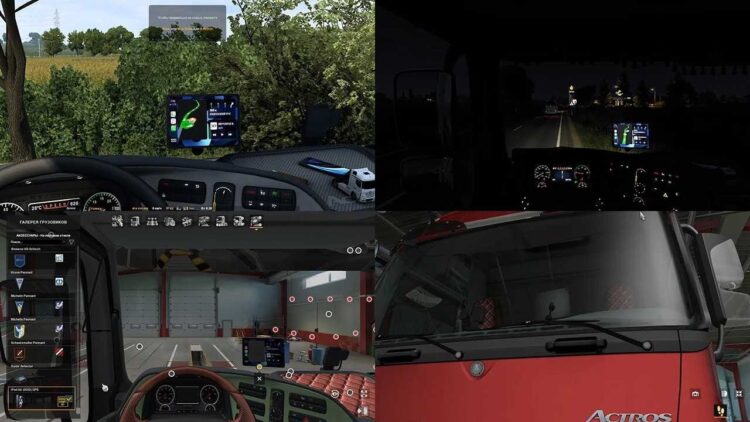

![ETS2] Realistic Lights Effect V2.4.9.12 [1.59]](https://ets2.lt/wp-content/uploads/2026/04/rl_presentation.jpg?x90610)
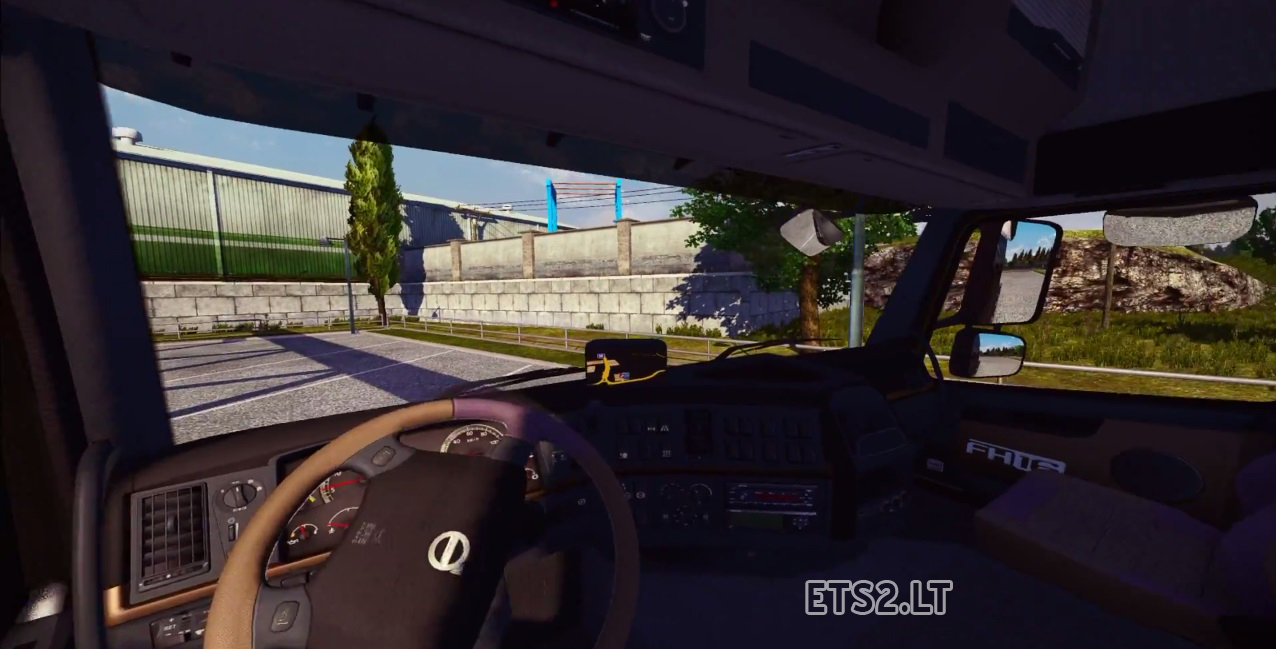

When you moving yours steering wheel to left, your camera will move to left side, look to right – camera moves to
right side.
How to Install: open the archive and extract that file to folder Euro Truck Simulator 2 > profiles > your profile. That folder in “My Documents” folder.
Author: Igor Savin
Sponsored links
Sponsored links

Is this supposed to work with keyboard-only controls or just if you’re using a wheel?
works ok
http://youtu.be/euHplFROdWs
Pour moi, ça ne marche pas, la caméra tourne trop vite par rapport au volant ??? j’ai essayé différents réglages mais rien à faire. Dommage…
dont work for me #####.
It’s good that you are able to find humour in your own incompetence.
Igor Savin и не стыдно, а?! автор этих настроек Hemil, вот ссылка на офф сайт, где все написано!!! этому “моду” уже не один месяц! умник, изменил в настроках пару строчек и за свой мод выдает! вот из-за таких как ты, потом на нас и бочку катят!
THANK YOU TruckSimFan .thank you for your assistance!!! ….. after some adjustments all function. .tres good MOD
1) This is a control configuration file, not a mod.
So, BACKUP your “controls.sii” file BEFORE installing if you don’t like it and want to revert to your original control scheme.
NOTE: You will probably have to RECONFIGURE your controls (wheel, gamepad, mouse) after you install it.
2) HOW TO INSTALL:
Copy the file to…
C:\Users\\Documents\Euro Truck Simulator 2\profiles\4XXXXXX
(Overwrite if you didn’t backup your original controls.sii)
3) This adds “Look to Apex” a.k.a. Looking into a turn / Looking into a curve a lot of sim racing titles have as an option.
City Car Driving has this option which is probably where the author got the idea from since CCD is also a Russian developer game.
4) This tweak is good if you don’t want to mess with digital on/off look keys (Num4, Num6, etc).
If you have TrackIR, this is probably useless since TrackIR lets you move your head wherever you want anyway.
Hope this helps!
P.S. — Tested pm 1.8.2.5s and it works really well 🙂
To confirm, you MUST reconfigure your controls after you install it. This includes peals and other functions like activate, detach trailer, etc.
DO NOT configure any look buttons (number pad, camera buttons), or you will lose the Look to Apex function this mod brings. Leave those at default and you should be good to go.
I can’t get it to work, I even tried a new profile, nothing.
how an earth do i remove this mod?
the movement is terrible….
its bad bad :((((
nobody in the world is moving head with wheel :)))
no bro I do not think it works with small and pathetic trolls with #### brain and pc wooden
speak engrish?
AHAHAHHAHAHAHA. #######. DON’T FKING WORK. NOOB GTFO. good that i backed up my controls.sii AHAHAHAHAHHAHAHAHAHAHAHAH
Nice butthurt, I’ve tested it and it worked.
WOW. Cannot wait to test this. never seen thing like this. A very UNIQUE mod.
works not
no funciona…sera porque juego con mouse y teclado?
Very intelligent mod, maybe need a moment to use this nicely thank you for this idea
thank you 🙂
how to install the file because it is not a file .scs?