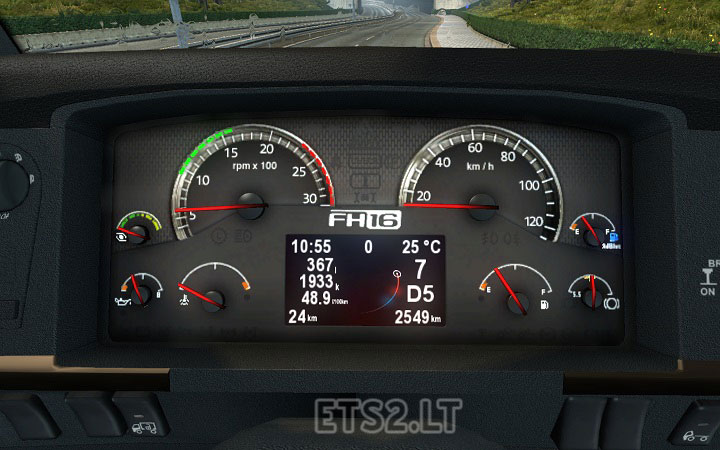
This is example of new concept in mod building.
Mod uses file outside the mod.
Unpack archive to your folder with both files
fh16_09_03.scs
test.ogv
Attach mod in mod manager
play the game
Author: piva
Sponsored links
Sponsored links
![PhotoGrapfix – Nvidia Presets ETS2 [1.60-1.61.1.3][1.53-1.59]](https://ets2.lt/wp-content/uploads/2026/10/PhotoGrapfix-–-Nvidia-Presets-ETS2-1.60-1.61.1.31.53-1.59-1-1-750x422.jpg)




Nice Job
Спасибо! Но на панели так и нет анимации,куда я его только не кидал)))
test.ogv как его распаковать?
Его не надо распаковывать это видео файл
Piva win 10 unpacked files to your mod folder and there also gave this test
I do not know for me it does not work, I’m a mod mod in a folder activated and the test I have in mod folder and is black in the information display nothing after that
Are you unpack test.ogv file om your mod folder ?
What OS you have ?