Nice idea to create the new TGX but the file is corrupted , unable to extract the .scs from the .rar file …
I have tried on several other forums and the problem is the same …
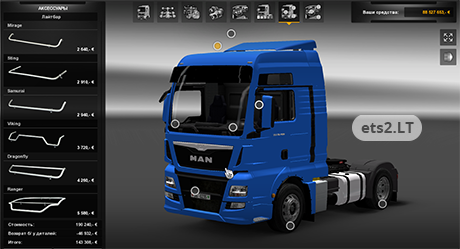
Guys, when u want to change the Color of the MAN do this: open the euro6.scs, then follow this: vehicle -> truck -> man_tgx then open the bodypoint.01.dif.mat and replace all what there is with this:
material : “eut2.dif.spec.add.env.paint” {
texture[0] : “bodypaint01.tobj”
texture_name[0] : “texture_base”
texture[1] : “/material/environment/vehicle_reflection.tobj”
texture_name[1] : “texture_reflection”
diffuse : { 1 , 1 , 1 }
specular : { 1 , 1 , 1 }
shininess : 60
add_ambient : 0
env_factor : { 0.0732389 , 0.0732389 , 0.0732389 }
aux[5] : { 1 , 0 , 0 }
aux[6] : { 0 , 1 , 0 }
aux[7] : { 0 , 0 , 1 }
aux[8] : { 1 , 1 , 1 }
}
Then you can change the Color of the truck 🙂 One thing to add: Its a little bit “confused” with the colors, when u click on grey color you dont get a grey MAN so you must experiment a little bit 😛


Nice idea to create the new TGX but the file is corrupted , unable to extract the .scs from the .rar file …
I have tried on several other forums and the problem is the same …
So please re upload a correct file .
It’s a 7z files, use 7Zip to extract it. WinRAR’s 7z support is only partial, it won’t extract some correctly.
Sorry but if i download it, i see only blank screen and no MAN Euro6 file orso, Can or will someone upload it for me please?
Greets,
Freddy Jimmink
Guys, when u want to change the Color of the MAN do this: open the euro6.scs, then follow this: vehicle -> truck -> man_tgx then open the bodypoint.01.dif.mat and replace all what there is with this:
material : “eut2.dif.spec.add.env.paint” {
texture[0] : “bodypaint01.tobj”
texture_name[0] : “texture_base”
texture[1] : “/material/environment/vehicle_reflection.tobj”
texture_name[1] : “texture_reflection”
diffuse : { 1 , 1 , 1 }
specular : { 1 , 1 , 1 }
shininess : 60
add_ambient : 0
env_factor : { 0.0732389 , 0.0732389 , 0.0732389 }
aux[5] : { 1 , 0 , 0 }
aux[6] : { 0 , 1 , 0 }
aux[7] : { 0 , 0 , 1 }
aux[8] : { 1 , 1 , 1 }
}
Then you can change the Color of the truck 🙂 One thing to add: Its a little bit “confused” with the colors, when u click on grey color you dont get a grey MAN so you must experiment a little bit 😛
*bodypaint01.dif.mat
works perfect to me!
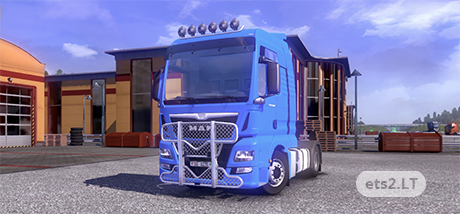
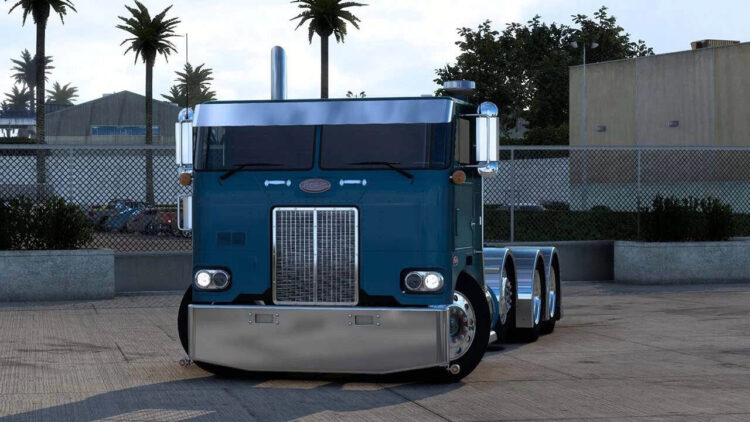
Color of the truck doesnt change. Always this blue.
Some problem with physx, when cabin was moving a second cabin appears.
Mirrors looks pink from interior.
But detail level is good, if author keeps work on this model, it will be great i think.
Uhm…… Where us teh MAN? If i download i see an empty folder…..
Greets,
Freddy Jimmink
which version you have to have for you to run the mod?