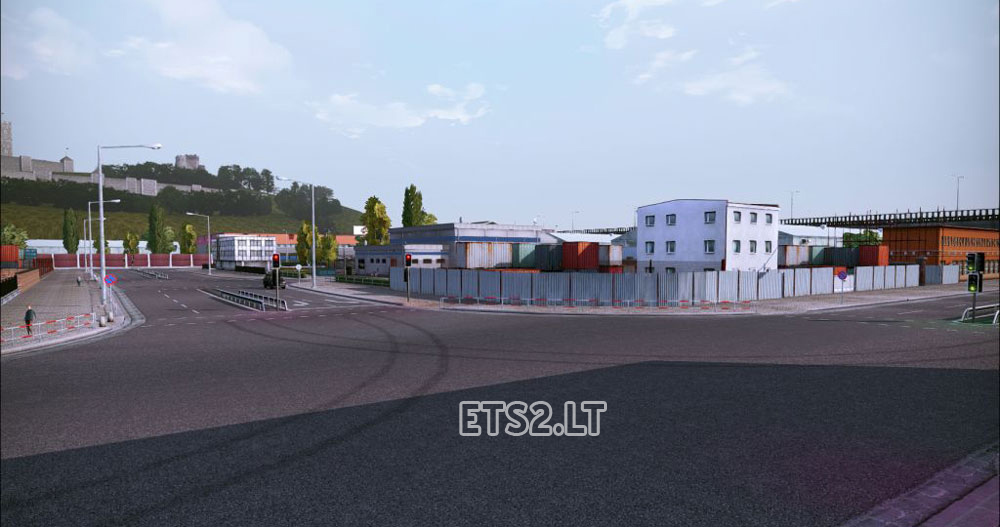
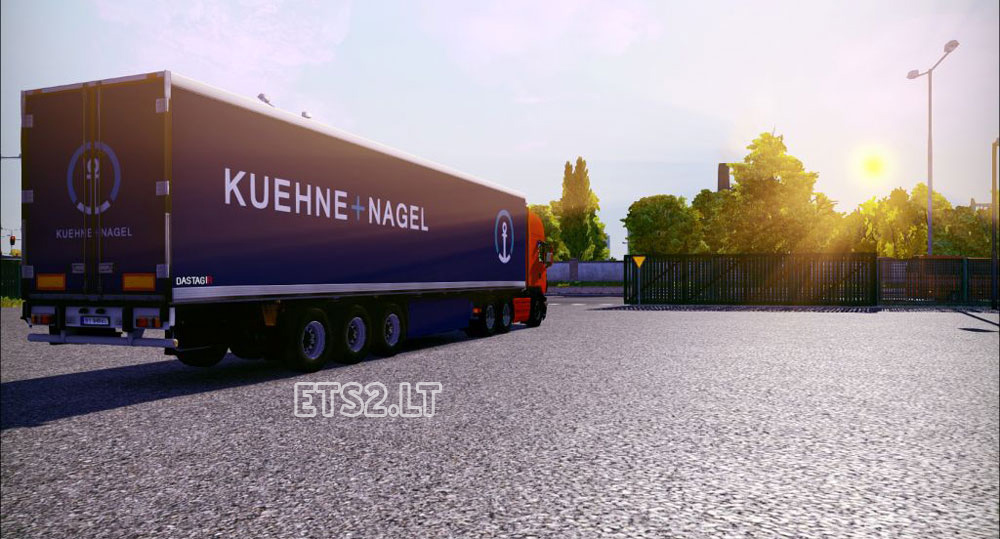

– Improved smoothing FXAA and SMAA
– Higher clarity(Sharpen)
– Optimally configured brightness and contrast
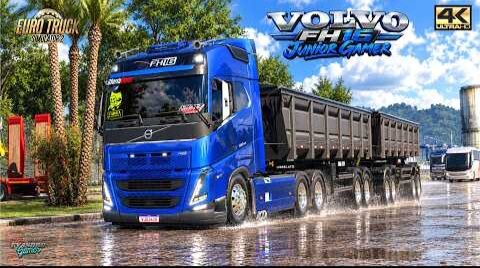
– Completely redesigned rendition that makes picture in the game very photorealistic
– Carefully adjusted saturation, bloom and curves
Installation:
1.Unpack the entire contents of the archive in the folder with .exe file, for example, D/Games/Euro Truck Simulator 2/bin/win86
2.You must disable MLAA and color correction
3.Enjoy the game
Authors: CeeJay.dk, Dastagir
Sponsored links
Sponsored links

The file is corrupt or something, can’t even look into it.
Is it Scania only?
Thank you, man. Appreciate it.
Download http://yadi.sk/d/bvqk5MqAQ7RXd , bro 😉
thx man
What driver camera mod is that in the video, bro?
https://www.youtube.com/watch?v=UYxOcyKIXBA&feature=youtu.be
Используй BandiCam или Fraps.
You should use BandiCam or Fraps.
Because I used Loutus Graphics HD3.0. It will be uploaded at the site next week.
Can any tell me how to make this map in menu http://imgur.com/8Z17SnA to look like this http://imgur.com/Ax6KiLl , I do not know how to make, why the first map is it? why can not be the same on al menu maps?
yes me too i need screen with sweet fx and it’s doesn’t work
default settings F12
if you use sweetfx recommended use fraps
Ребята.Как сделать скрин? Потому что кнопка Print Screen не работает.
in what key i can screenshot?
Print Screen Dont work.
Sorry for my English.
есть ли мод на этот грузовик как на видео ?
Its these tpyes of mods that should work in MP mod!
i haven’t this result 🙁
Type of anti-aliasing
What is MLAA ?