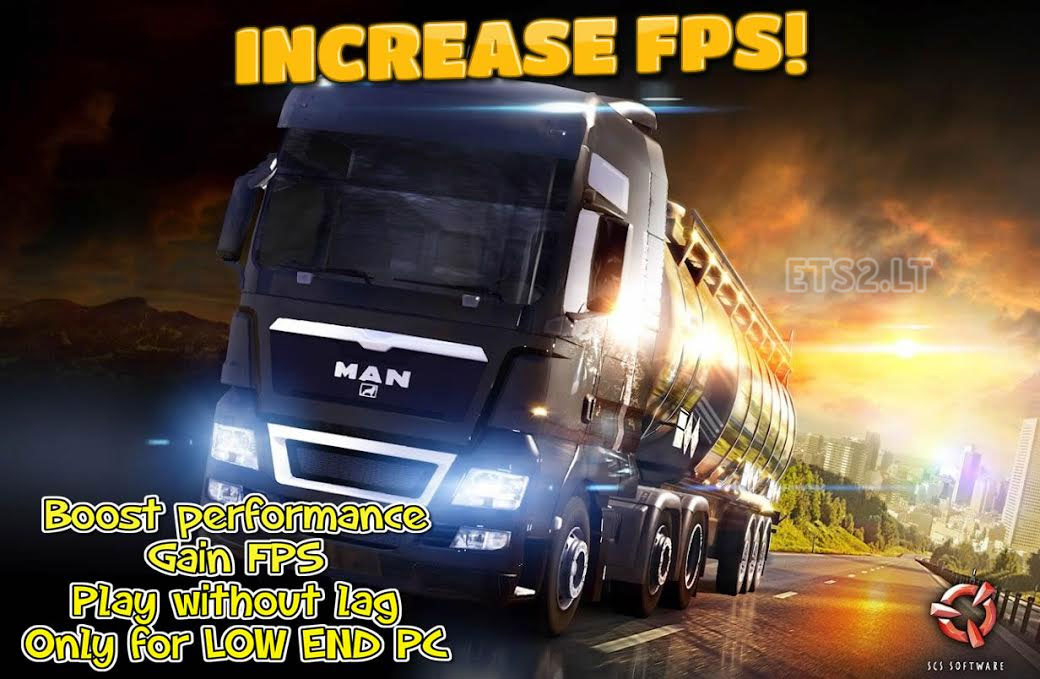
Tested on 1.16.2s but may work on all version
This mod is only for LOW END PC check my specs in readme file!
With this mod you gain some FPS
Please read instruction which is included for more info!!!
Credits:
BLiNKT
Sponsored links
Sponsored links




Lol but better gameplay is without this one mod
CAN YOU PLZ MAKE THIS AVAILIABLE FOR 1.22.8 UNTIL THEN I CANNOT PLAY!
Dude ! Lights are not working.. how to fix this
Please lights fix?
At least you’ve got a gig of graphics. I only have 128mb
atleast you got 128 mb i got 32 mb (with virtual video ram)
I figured out the headlight problem and mirror issue
Change to this
r_mirror_view_distance \80\
r_mirror_scale_y \1\
r_mirror_scale_x \1\
g_light_span_factor \1\
g_light_distance_factor \1\
not \1\ or \80\ but “80” and “1”
cannot find the r_mirror_view_distance
change
uset r_deferred “0”
to
uset r_deferred “1”
to enable lights again
Hey great job works perfectly. But i want to be able to see at night. Can you tell me how to make the lights work, for example tell me what to change in the config. At night its way too dark.
Is there any way we can get the lights to work with the mod?
Yes it possible but than you cant gain some fps i try fix in next release lights but i not promise!May i release tomorrow new update
Link doesn’t work
good job, but do not turn on headlights at night and didn’t see anything.
how can I fix ??
Game crash doesn’t work
Daaaamn, thats some wooden pc, right there. Ever considered to buy a new one?
You need to enable these too;
uset g_minicon “0”
uset g_console “0”
change “0” to “1” for both…
Ok thanks for the help.is there a way to hide it or does it stay open all the time?
ok,but how do show the FPS on the original CFG without using this mod?he said to change uset g_fps “0” and change 0 to 1 on the original CFG but FPS monitor doesn’t show.
BahamutX u dont need to press any botton. This is a .cfg (configuration file)that brings u a setup of low effects or graphics in game. So this mod is nothing else than a graphics setup. Its nice for low computors yes i can tell u,i play allmost with the same graphic setup here. Gforce 8600gt, 3gb ram, dualcore 2.2… so thats it i think. Tnks for sharing this idea. Absolutely a nice help for many players.
I did that but its not showing up is there a button I should press to make show up?
First g_minicon 1 then g_fps 1
Of course developer mode and console must be enabled
find uset g_fps “0” and change 0 to 1.
hi good for the low end pc but i don’t realy need it as I get around 600fps to 700fp if I use it,but my question is how do I open the fps monitor on the top left of the screen with the original CFG or how to add it?i just want to monitor my FPS
Steam->View->Settings-> In-Game.
your welcome
just go to steam-settings-in-game-fps counter take on high contrast for green fps showing or off to have white which is a little less visible
where i put this dude to mod folder?